
01
Start with a routine
Preview an AI dance generator routine to see its pace and framing before deciding whether it suits your idea.
Find a routine in the AI dance generator. Preview the movement, select a template and add photos for the available dancers or characters.
Creations from this workspace appear here.
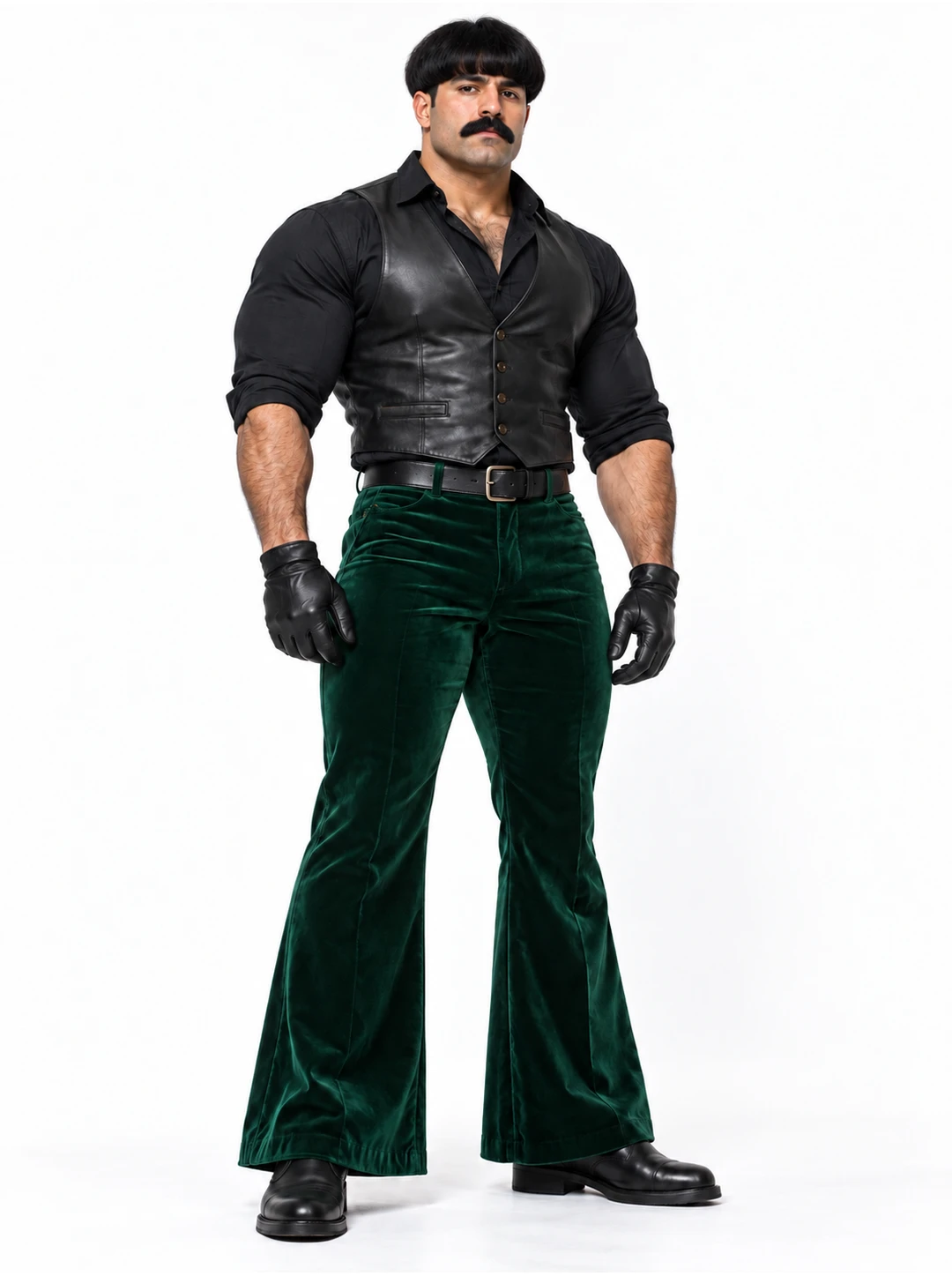
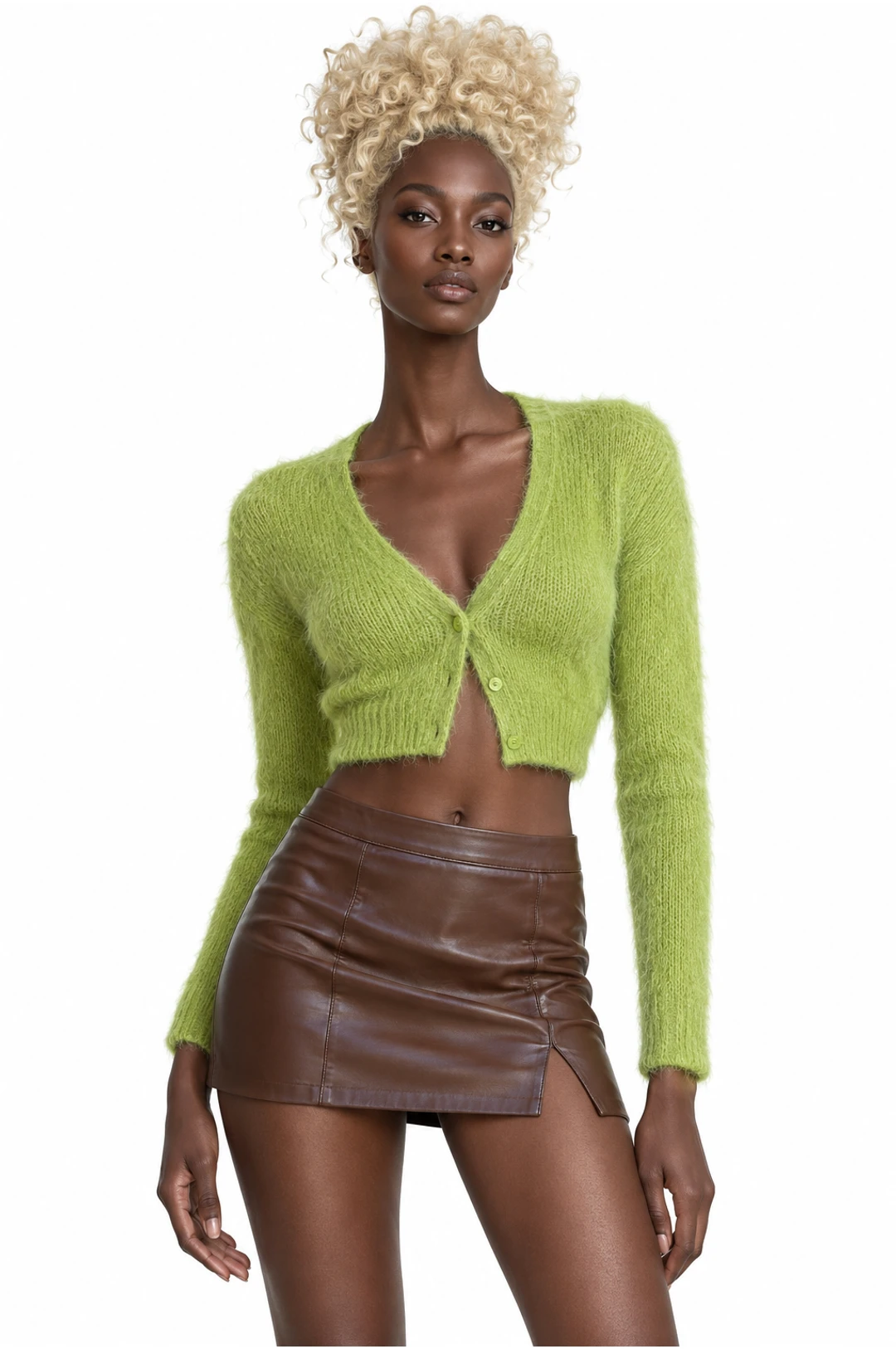
The AI dance generator starts with a prepared routine. Browse the dance collection, preview the pace and framing, then choose a performance that fits your idea. Some templates feature one dancer while others offer separate slots for a group or another compatible character. Add the photos requested by the selected dance. For full-body movement, a clear image showing the face, hands and feet gives the model more useful appearance information than a tight portrait. The result can vary: watch for changes during turns, overlapping limbs and fast steps. Explore AI motion transfer with your own dance reference.
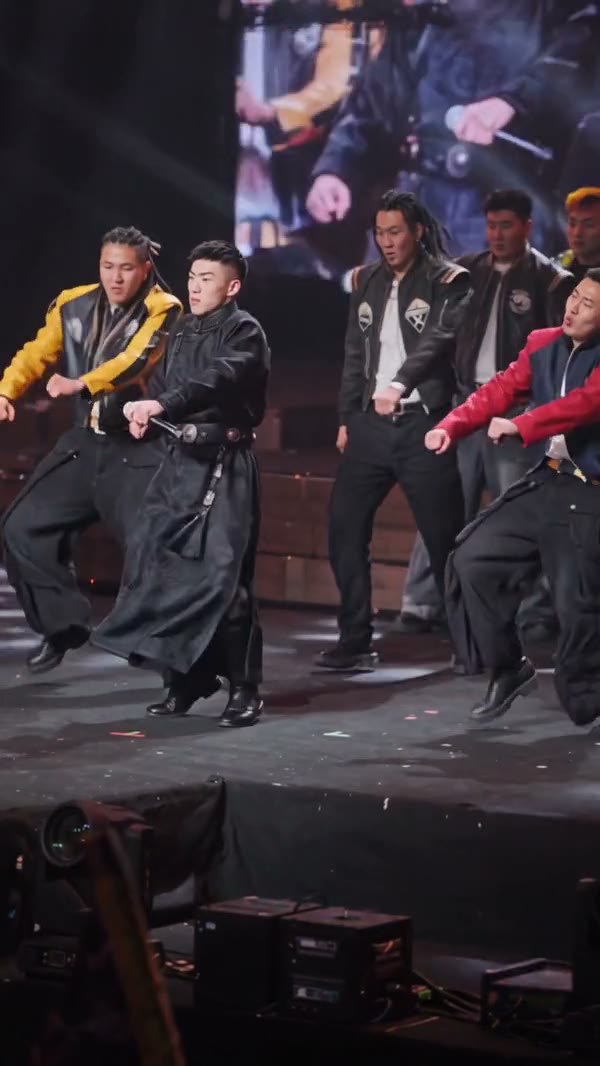
Use the AI dance generator to preview a routine and prepare photos for its roles before creating.
Step 1
Preview an AI dance generator routine and choose the movement and framing you prefer.
Step 2
Select the routine and add the required photos to the labeled roles.
Step 3
Review the available mode, resolution and AI dance generator credit estimate before creating. Generate and watch the AI dance generator result for timing, pose changes and recognizable features.
A prepared performance gives you a movement to review and a clear place to start.
01
Preview an AI dance generator routine to see its pace and framing before deciding whether it suits your idea.
02
A duet or group template in the AI dance generator shows a separate slot for each supported role. Add photos of people who have agreed to appear.
03
Watch the complete AI dance generator result for faces, hands, feet and transitions between poses before choosing a version to keep.
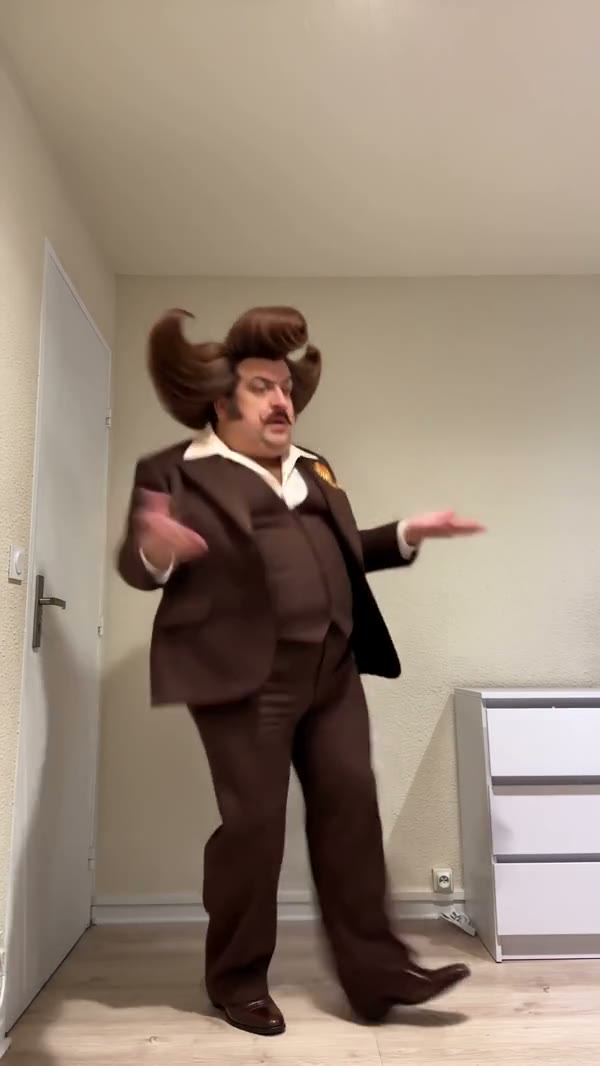
Explore solo, group and pet-compatible templates. Community previews illustrate the available performances.
01
Choose a one-person routine and add a clear photo suited to its framing. The template provides the movement reference.
02
For a duet or group scene, check the role labels and prepare the required photos separately.
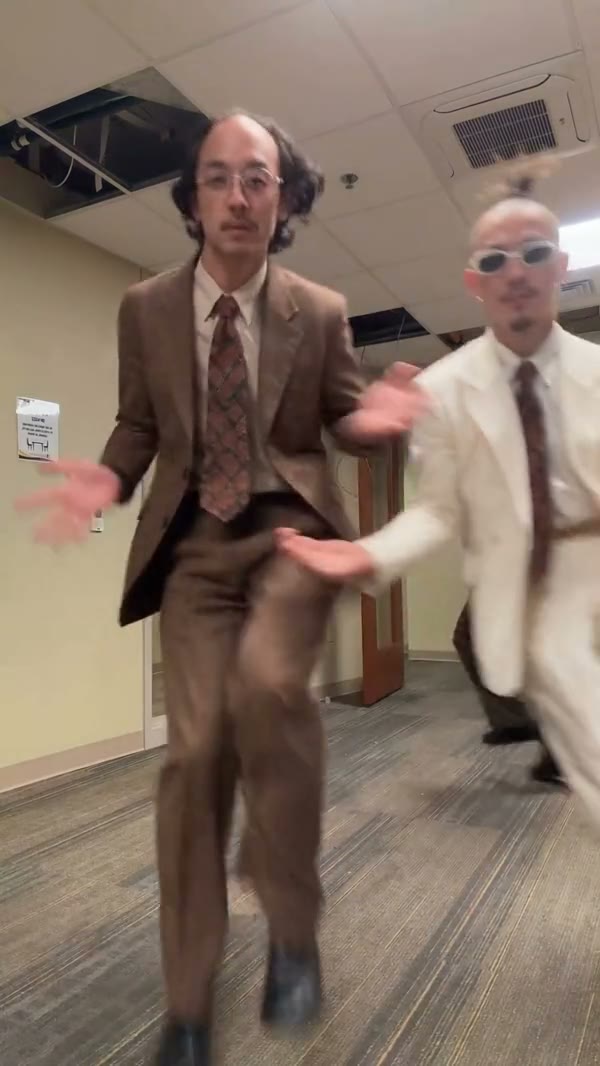
03
Look for a template that supports a pet and choose an image that shows the parts involved in the movement.
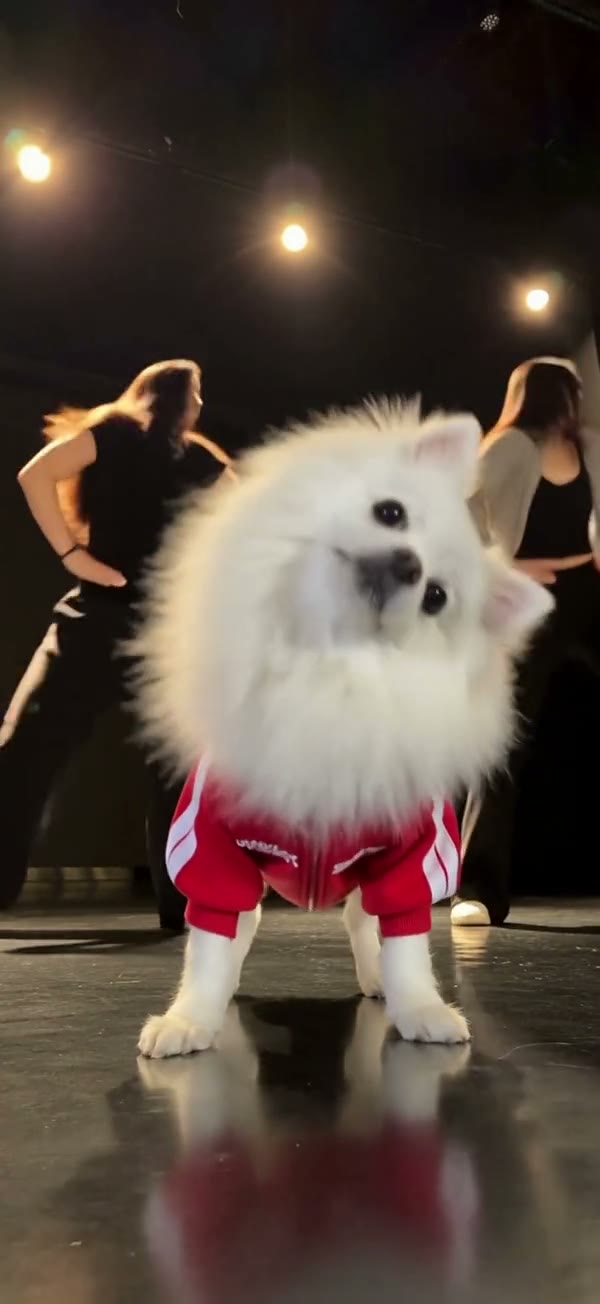
Match each photo to the role and framing shown by the dance. These images are illustrative.
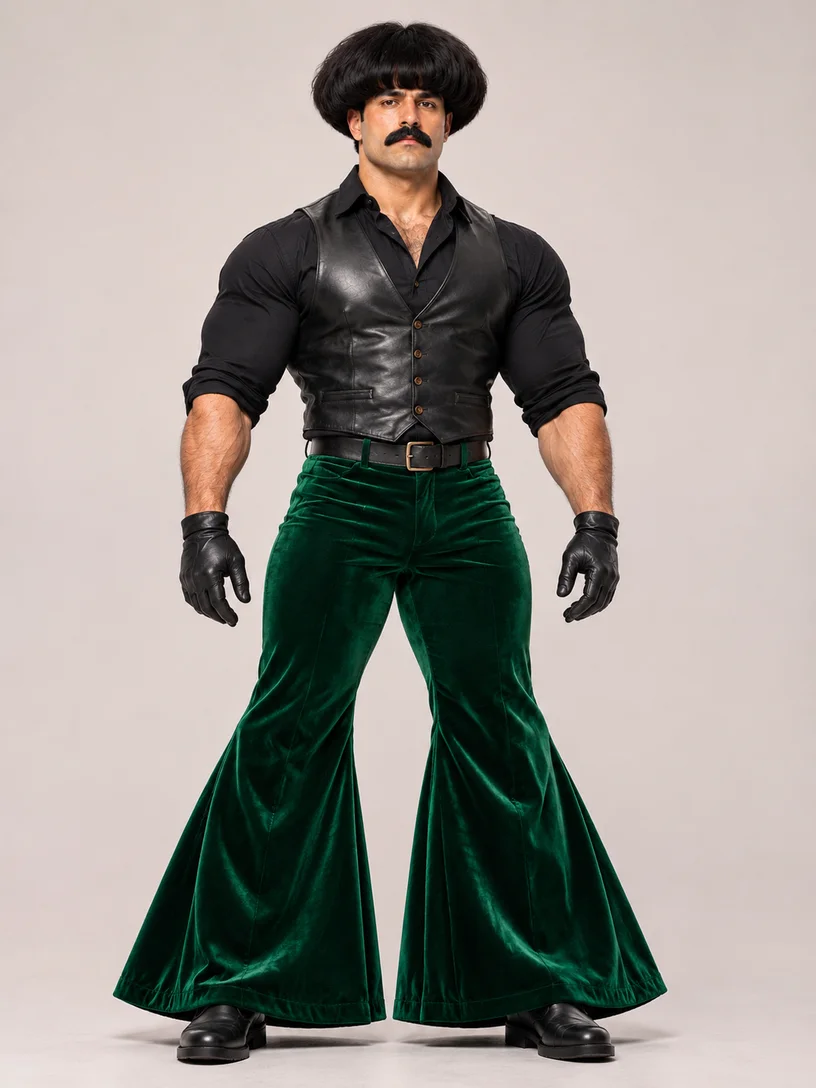
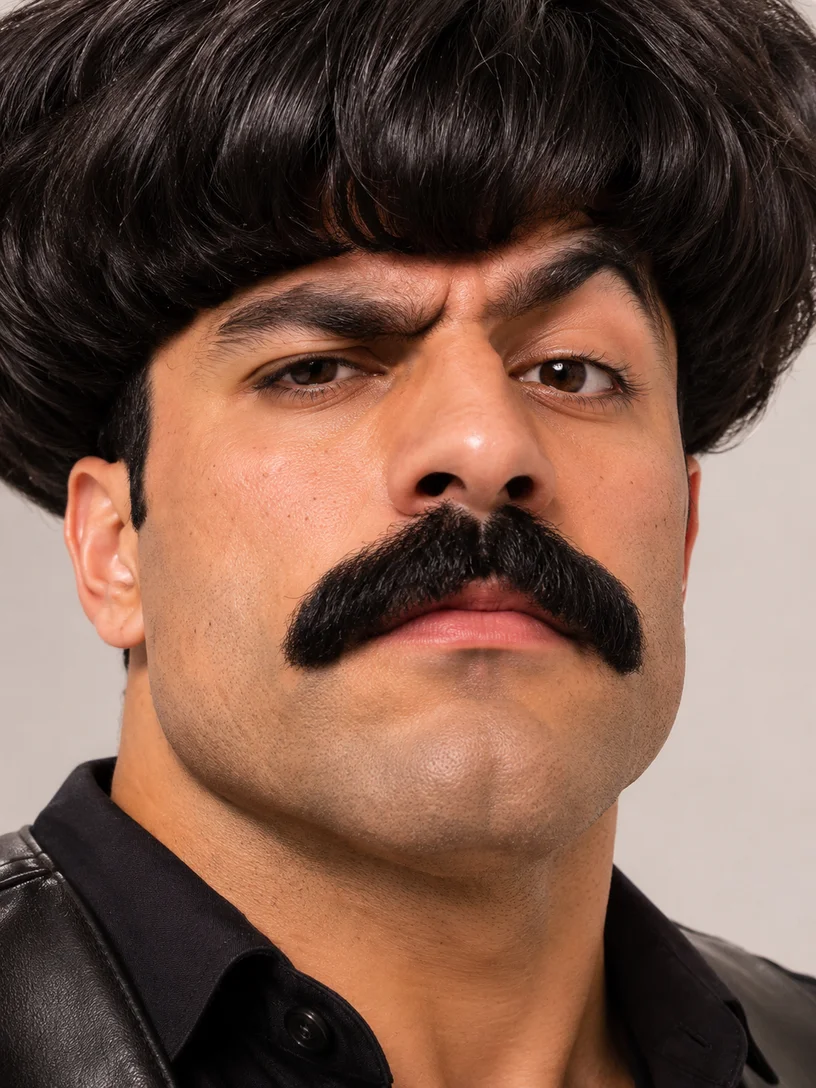
For full-body dancing in the AI dance generator, choose a clear image that includes the face, hands and feet. A closer crop may suit an upper-body routine.
Better fit
Harder to use
When an AI dance generator routine needs several people, use the labels in the selected template to place each permitted photo in the matching slot.
Better fit
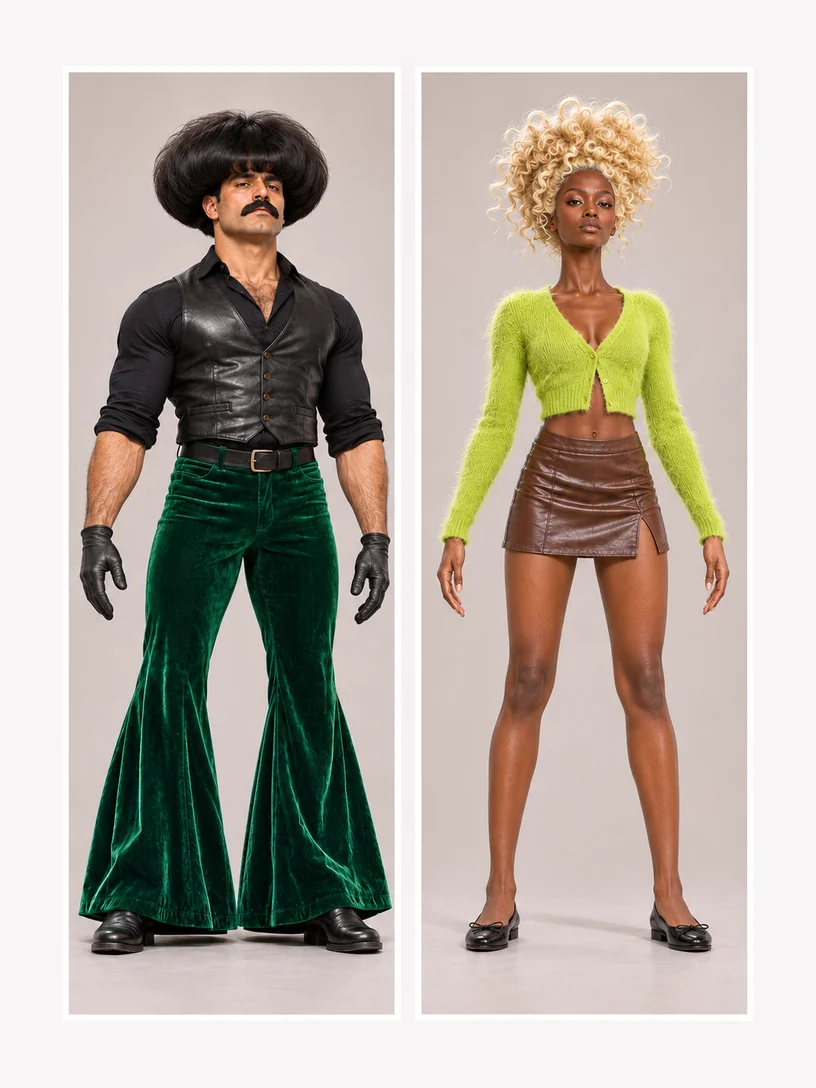
Harder to use
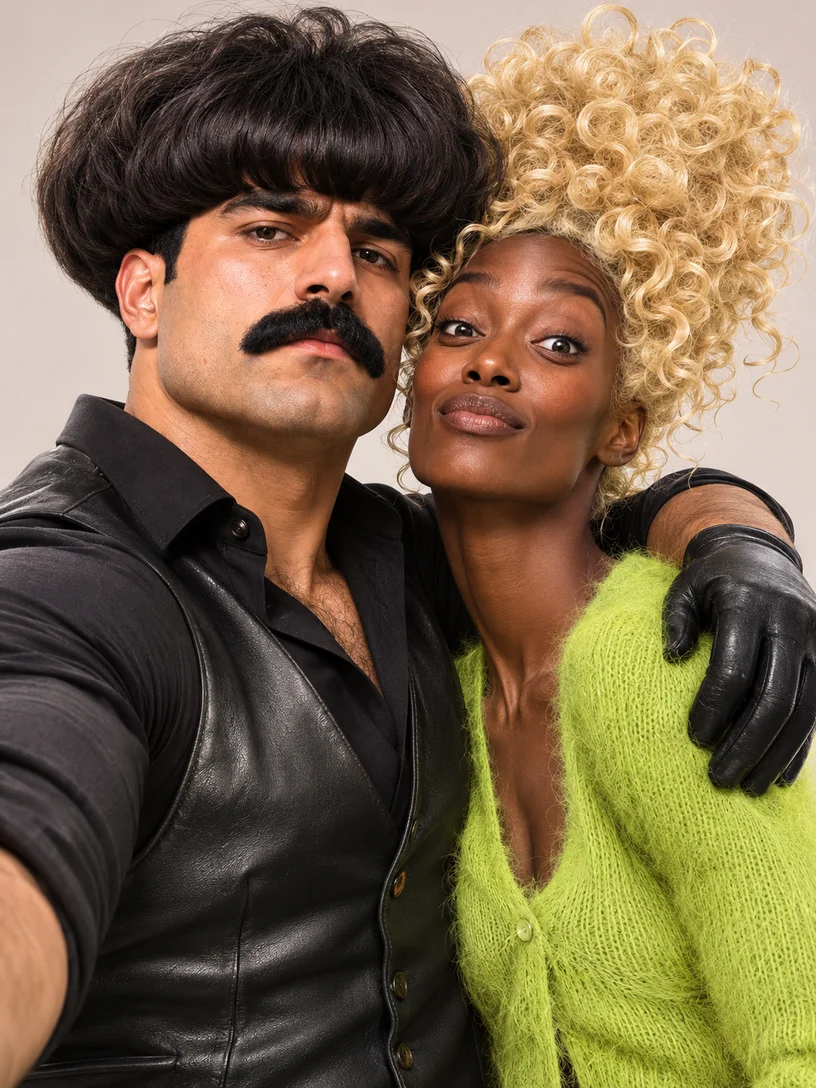
Use photos you have permission to animate. Review the whole result for appearance and movement before sharing it.
The reference, role slots and available audio are part of each prepared template.
Watch the AI dance generator routine before choosing it. Some templates include a soundtrack and others are silent; a separate song upload is not part of the prepared-template flow.
AI dance generator routines can have different required or optional roles. The selected template shows the slots and settings available for that performance.
What to know before you create.
Choose a clear photo with the face and body parts needed for the selected dance visible.
Yes. The selected dance shows its required and optional photo roles.
Choose another AI dance generator template, or return home to upload your own motion reference with a compatible model.
Yes. Preview an AI dance generator template, then select Recreate to load its motion and available settings. Loading does not submit a generation.
Choose an AI dance generator template that supports those roles and add the requested photos separately. Use only photos you have permission to animate.
Prepared templates use their own audio or silent setting and do not accept a separate song upload. Audio support for a custom reference depends on the selected model.
Watch the preview for pace, framing and the number of dancers. Pick a routine whose roles fit the photos you can prepare.
Appearance can vary during generation. Try a clear reference that shows the outfit and relevant body parts, then compare the full result, especially during turns.
Opening an AI dance generator preview and loading a template do not submit a generation. Check the displayed credit estimate before choosing Generate.
Browse solo, group and pet-friendly routines before choosing a performance.