Motion Control logoMotion Control
AI Influencer
AI Dance
No Scrubs AIWhite Dress Dance AIChipmunks DanceTalk Dirty Dance AIThriller AIBby Wow AILike Jennie AIDame Hombro Dance AIView all dances
AI Trends
No Scrubs AIWhite Dress Dance AICelebrity Kitchen AIFancy Cafe AIChipmunks DanceClosing Door PrankDamon Salvatore AIEnd of Watch AIBirds of a Feather AITiny Desk AITalk Dirty Dance AIThriller AIBby Wow AIBurning Bridges AILike Jennie AIPet Barista AIRubber Band Prank AIPodium Speech AI VideoI Love the Smiths AIOld Town Road AI VideoParisian Stroll AIDame Hombro Dance AIElevator Couple Selfie AIRestaurant Dance AIView all trends
LogoMotion Control

A motion control workspace for turning images and movement into videos.

Product

  • AI Video Generator
  • AI Image Generator
  • AI Influencer
  • Higgsfield Genjutsu Alternative
  • All trends

Resources

  • Pricing

Legal

  • Request a refund
  • Privacy Policy
  • Terms of Service
  • Acceptable Use Policy
  • Refund Policy
  • Cookie Policy

support@motion-control.appMotion Control ©️ 2026 All Rights Reserved.

Independent service, unaffiliated with model providers. Community demos imply no creator or brand endorsement. Rights concerns? Contact support.

Home
AI VideoAI ImageAI Influencer
AI Dance
AI Trends
My Library

All trends

Creation mode
Prompt is required
Estimated credits6 credits
View all

AI Image Generator & Editor

Describe a subject, scene or style to create a new image. Add a supported image reference when you want to explore an edit. The featured image is an illustration.

Illustration of a cobalt glass bottle in a sunlit studio

Turn an idea into a still image

Give the AI image generator a subject, setting and visual style, or add a supported reference to guide an edit. Choose an available model and review its settings and estimate before generating. Finished images appear in your account for review and download. The adjacent image is a separately created illustration.

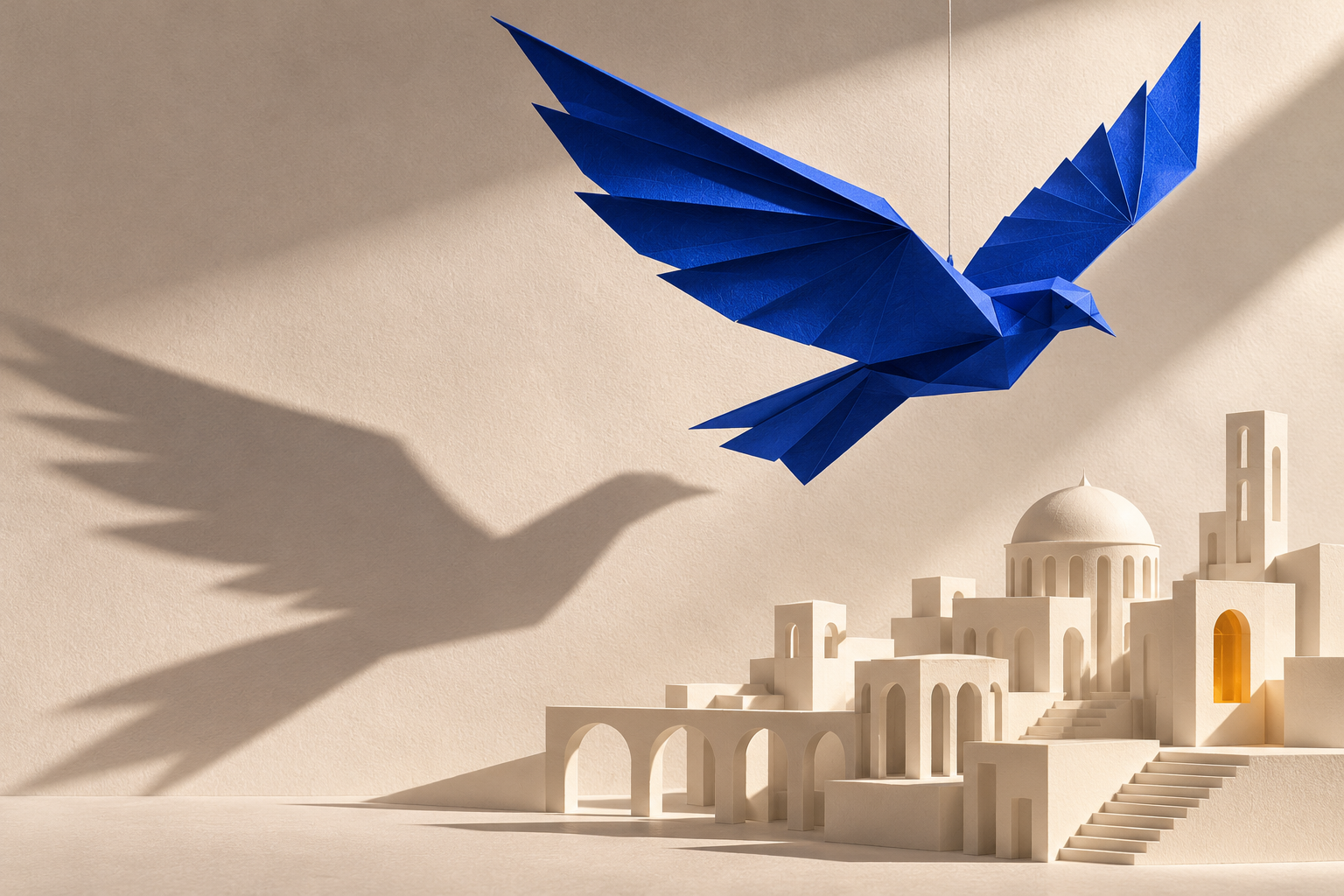
Illustration of a blue paper bird above a miniature city

Create an image

The AI image generator shows the references and controls offered by your chosen model.

  1. Prompt

    A cobalt glass bottle on sunlit limestone, with a crisp shadow and an editorial look.

    Text to image

    STEP 1

    Choose a model

    Choose an available model in the AI image generator.

  2. Sunburst
    Resolution1K
    Images1
    AspectAuto

    STEP 2

    Add your inputs

    Describe your subject and scene, or add a supported reference and explain the edit to the AI image generator.

  3. Image

    STEP 3

    Generate and review

    Choose the available frame and output settings, then check the AI image generator credit estimate. Inspect the AI image generator result at full size before downloading or using it as a reference.

Explore ideas for your AI image generator

These illustrations for the AI image generator were created separately. They show a product, character and imagined place; your result depends on your inputs and model.

Explore a product with the AI image generator

Try a product concept against a clean backdrop or in a location that gives it context. A supported reference can guide shape and color while your description sets lighting and composition. Inspect text, labels, edges and small details before using an AI image in a real project; those details may change.
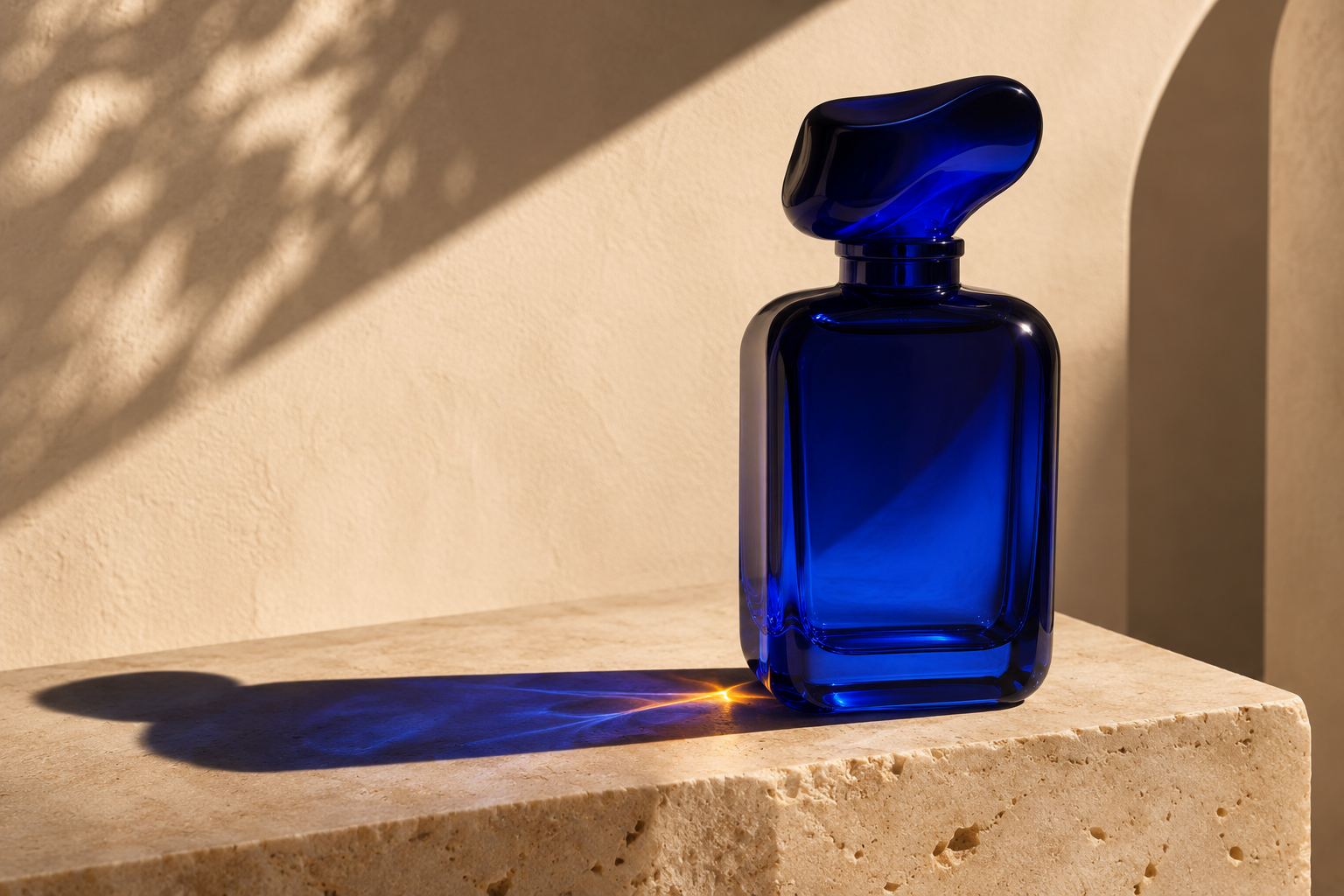
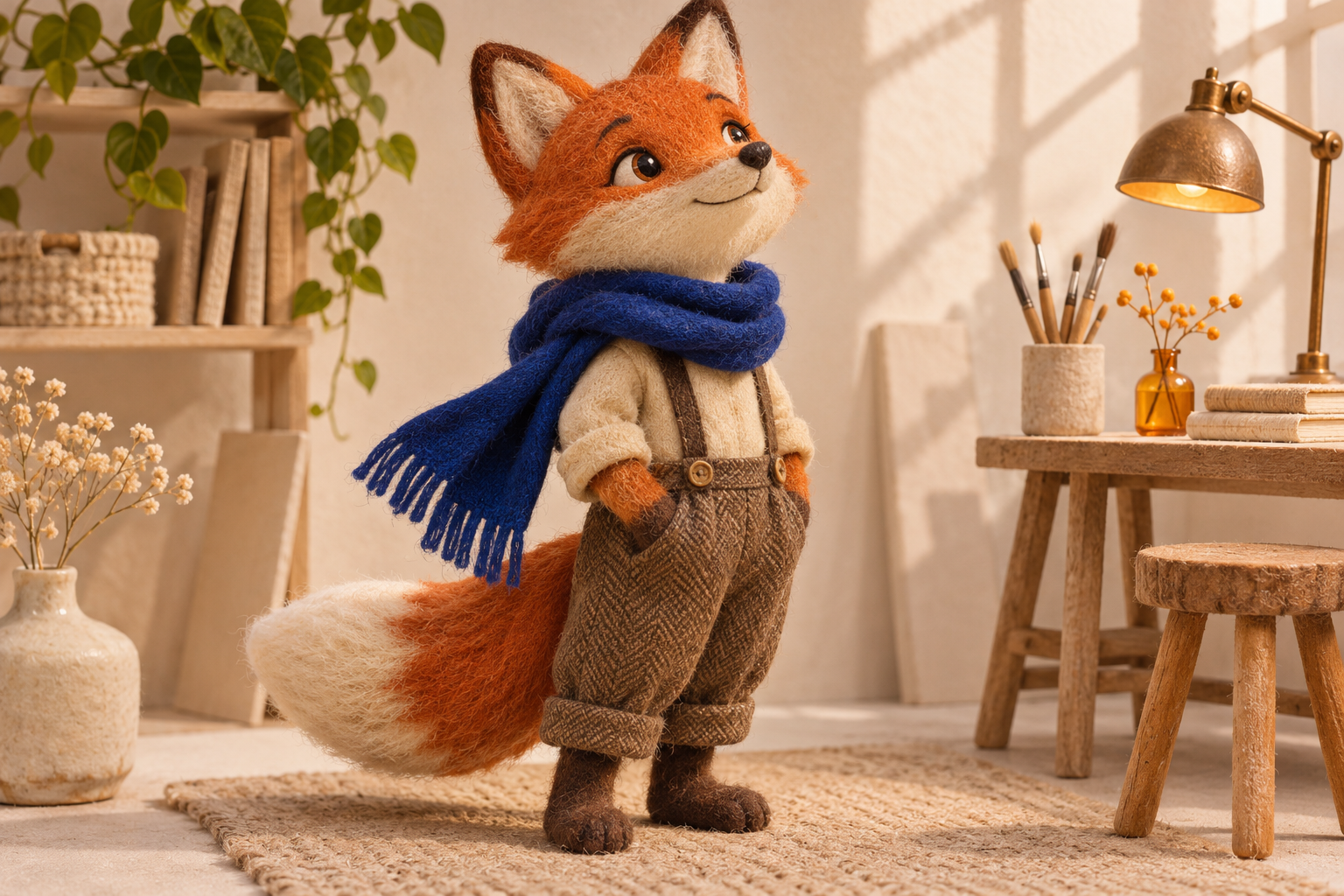
Illustration of a cobalt glass bottle in a sunlit studio
Illustration

Develop a character with the AI image generator

Describe a playful pet, illustrated mascot or original character and experiment with materials, expressions and backgrounds. Compare versions for a look that fits your idea, paying attention to facial details and silhouette. A selected image can also serve as a reference in a compatible video workflow.

Illustration of a felt fox character wearing a blue scarf
Illustration

Set a scene with the AI image generator

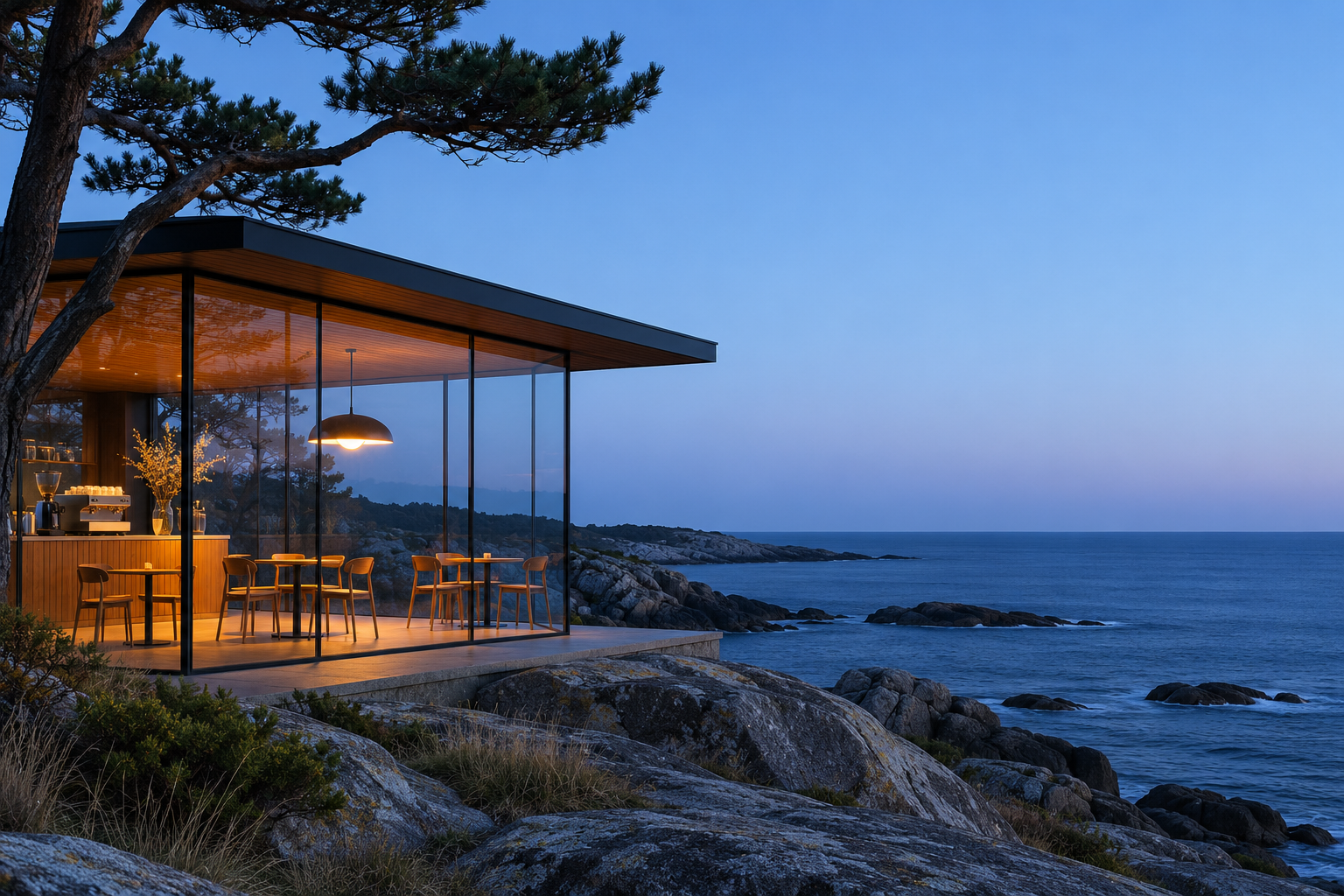
Use weather, time of day and lighting to explore a place in different moods. Start with a written description or a supported visual reference, then compare perspective and object details. If the scene needs specific signs or lettering, inspect them closely in each generated image.

Illustration of a glass cafe beside the sea at blue hour
Illustration

Give an editorial idea a frame

Use the AI image generator to explore subject placement, color and light for a visual pitch or cover concept. Describe the framing and available space you need, then compare versions before choosing one to keep. Different models and prompts can produce different interpretations.

Illustration of a blue paper bird above a miniature city
Illustration

An AI image generator for visual exploration

Start with a written idea or a supported reference and review the AI image generator settings before creating.

Start from words or references

Describe a new subject or use a supported reference image to guide what the AI image generator should explore.

Review the estimate

Choose the available frame, resolution and image count in the AI image generator, then check the credit estimate for the whole request.

Continue with a result

Review a finished image in My creations and use it as a reference in a compatible workflow when you want to keep developing the idea.

Ways to guide an AI image generator

The model selector and Settings show the options available for your request.

Describe a scene

Give the AI image generator a subject, setting, light and visual style to explore.

Add a reference

On supported AI image generator models, add an image to guide an edit or a new visual direction.

Choose a frame

Select an available aspect ratio for the layout or screen where you intend to use the image.

Set resolution

Review the AI image generator output sizes supported by the model and the corresponding estimate.

Compare variations

Choose an available image count, then compare composition and fine details across the results.

Return to your images

Find completed AI image generator results in your account history and select them for compatible creation workflows.

Credits for the AI image generator

The estimate follows the selected model, output settings and image count. Check the amount in the workspace before generating.

10% OFF · Save $17.88

Lite

For your first ideas.

$13.41/month$14.9/month

$160.92 charged yearly

6,600 credits/year

Up to 1,100 images

GPT Image 2Nano Banana Pro

Up to 366 videos

GenjutsuGenjutsu Lite
  • Up to 4K images and HD videos, depending on the model
  • Image editing, video creation & motion transfer
  • Watermark-free image & video downloads
  • Generation history in your account
Popular20% OFF · Save $95.76

Creator

For a steady creative flow.

$31.92/month$39.9/month

$383.04 charged yearly

18,000 credits/year

Up to 3,000 images

GPT Image 2Nano Banana Pro

Up to 1,000 videos

GenjutsuGenjutsu Lite
  • Up to 4K images and HD videos, depending on the model
  • Image editing, video creation & motion transfer
  • Watermark-free image & video downloads
  • Generation history in your account
  • Use credits across image and video models
Best Value30% OFF · Save $287.64

Studio

For more creations, more often.

$55.93/month$79.9/month

$671.16 charged yearly

38,400 credits/year

Up to 6,400 images

GPT Image 2Nano Banana Pro

Up to 2,133 videos

GenjutsuGenjutsu Lite
  • Up to 4K images and HD videos, depending on the model
  • Image editing, video creation & motion transfer
  • Watermark-free image & video downloads
  • Generation history in your account
  • Use credits across image and video models

Basic

$0

Try before you subscribe

  • 10 one-time signup credits
  • Generation history included
  • Original image and video downloads
  • Up to 1 image

Prices in USD; taxes and total shown at checkout. Subscriptions renew automatically; cancel in Billing settings. Subscription credits expire each period; one-time credits never expire.

Refunds: request within 72 hours. Used purchased credits and applicable non-refundable processing costs (up to 6%) are deducted. Terms · Refund Policy

AI Image Generator & Editor: questions and answers

What to know before you create.

Can the AI image generator edit an existing picture?

Supported models accept image references. Add the image and describe the change you want to make.

Can I use the image in a video?

Yes, an AI image generator result can be used in a compatible image-to-video or motion workflow.

Why should I review the result?

AI image generator details may differ from the prompt or reference. Check the image before using it in another creation.

Are the examples generated in Motion Control?

The AI image generator page uses illustrations made outside this workspace. They show ideas to explore, not guaranteed outputs from the available models.

How do I choose an AI image generator model?

Open the model selector and compare the input types and settings available for your idea. Check the displayed credit estimate before generating.

Can I request more than one image?

In Settings, choose the number of AI image generator results when supported. The credit estimate reflects the model, output settings and image count.

What details help a prompt?

Tell the AI image generator about the subject, setting, lighting and composition. For an edit, also say which parts of the reference should stay recognizable.

How do I choose an AI image generator frame?

Choose an available aspect ratio for your intended layout. Supported sizes and ratios depend on the model selected in the workspace.

Take the idea further

  • AI Video Generator StudioStart a short video from a prompt or supported reference media.
  • Motion Control AI Video GeneratorUse a character photo with a motion reference or choose a prepared template.

Start with an AI image generator idea

Describe the subject and atmosphere, add a reference if useful, and review your settings in the image workspace.

Create an image
Illustration of a blue paper bird above a miniature city