
AI Influencer Creator
Develop an AI influencer from your idea or a photo. Choose a look, create a character sheet and explore a performance for the next scene.
White Dress Dance AI
Celebrity Kitchen AI
Fancy Cafe AI
Chipmunks Dance
Closing Door Prank
Damon Salvatore AI
End of Watch AI
Birds of a Feather AI
Tiny Desk AI
Make an AI influencer character sheet
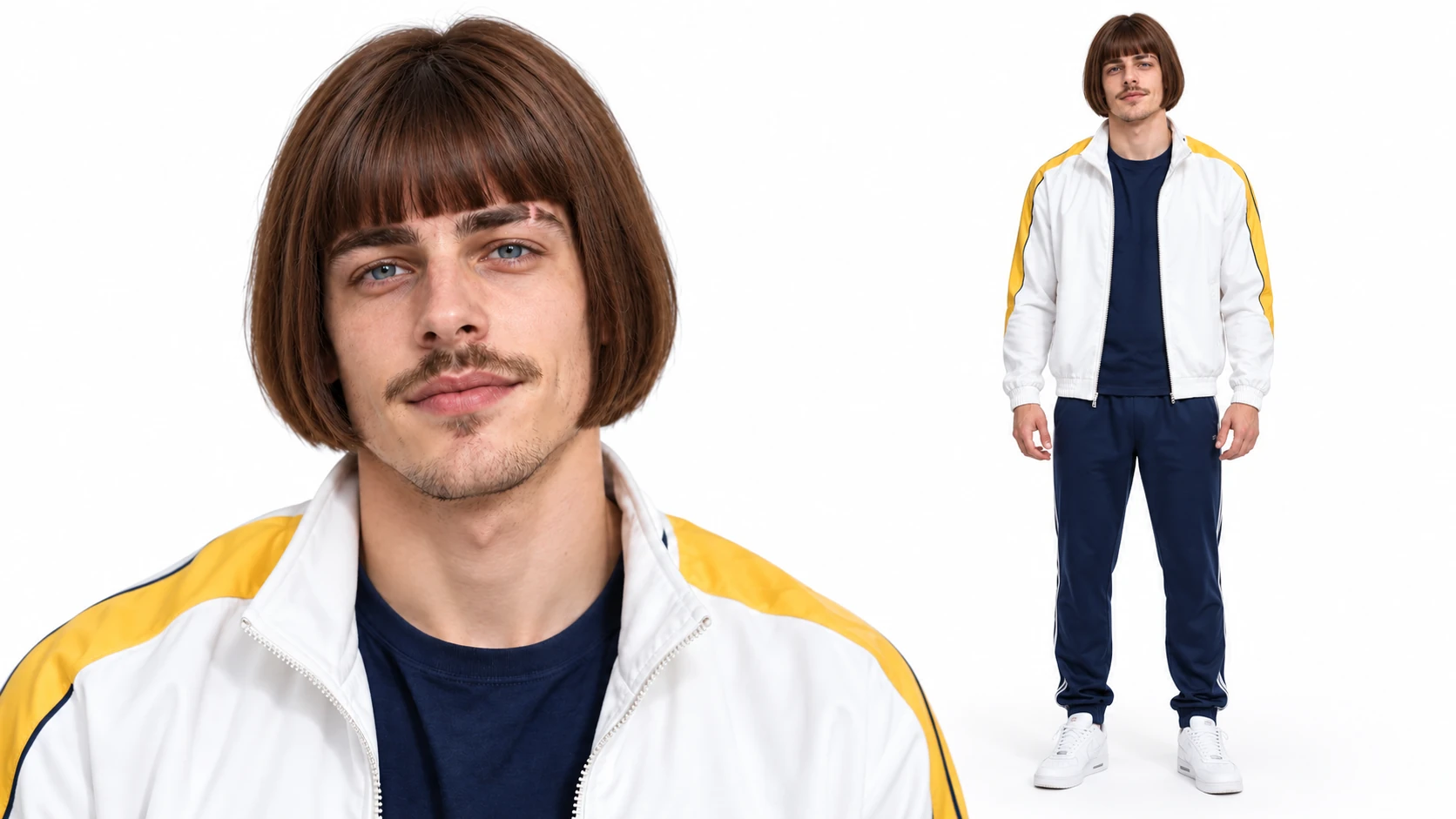
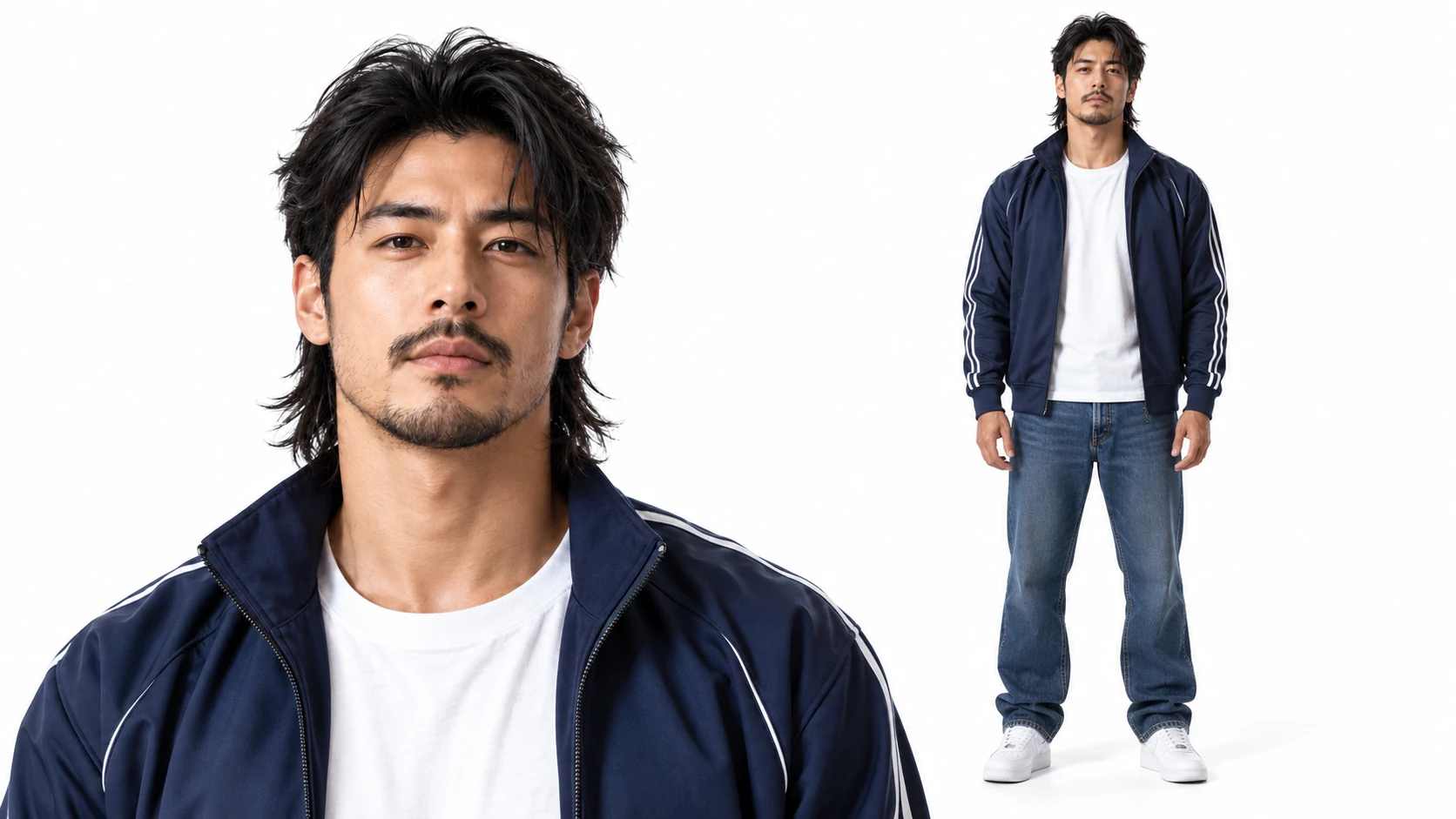
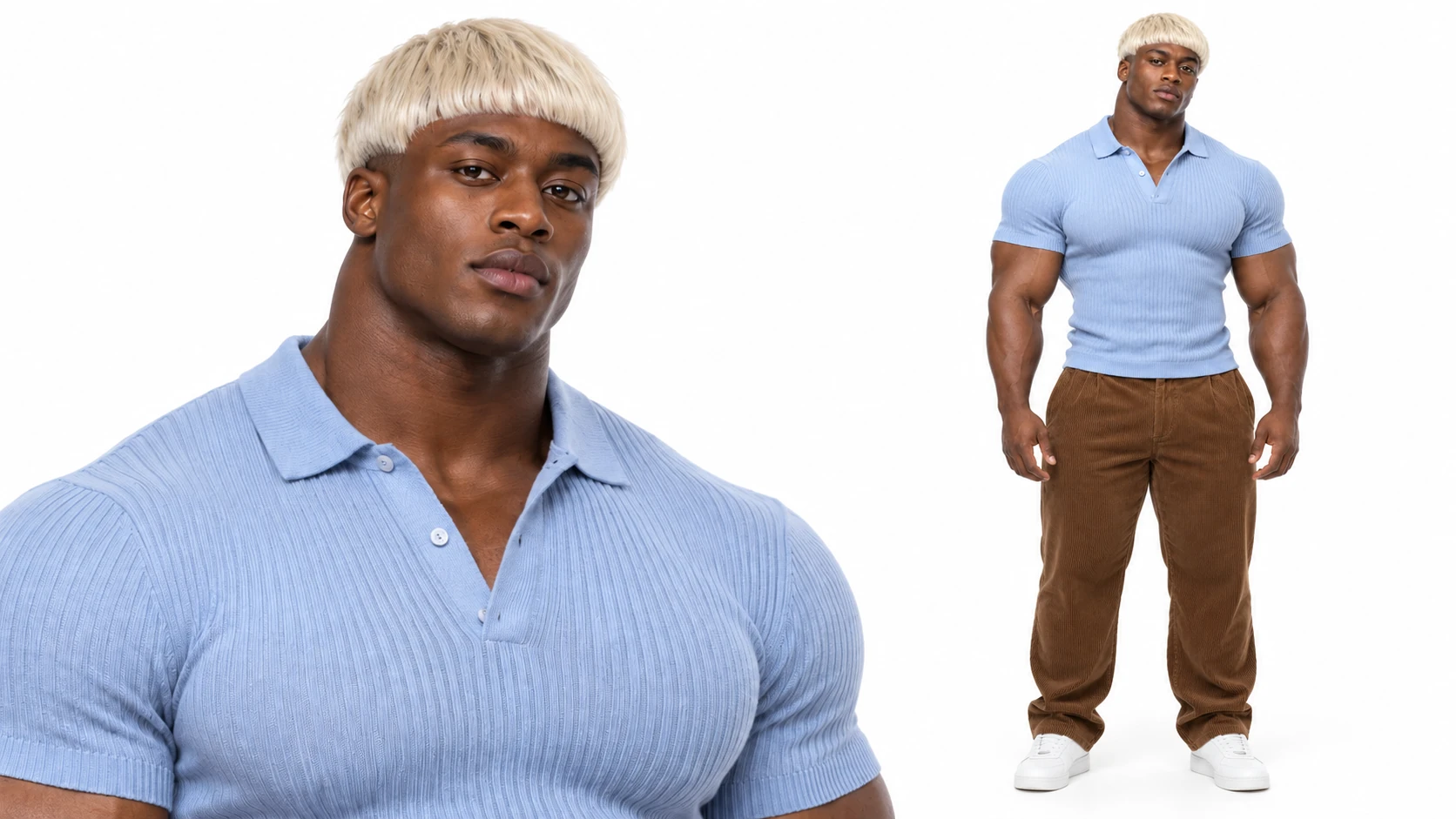
Begin with a character idea or an approved photo and choose the appearance details you want to guide. The builder creates a sheet with a close portrait and a full-body view. Compare the versions in My characters, then select a favorite for a compatible creation. The image beside this section is a separately made illustration.
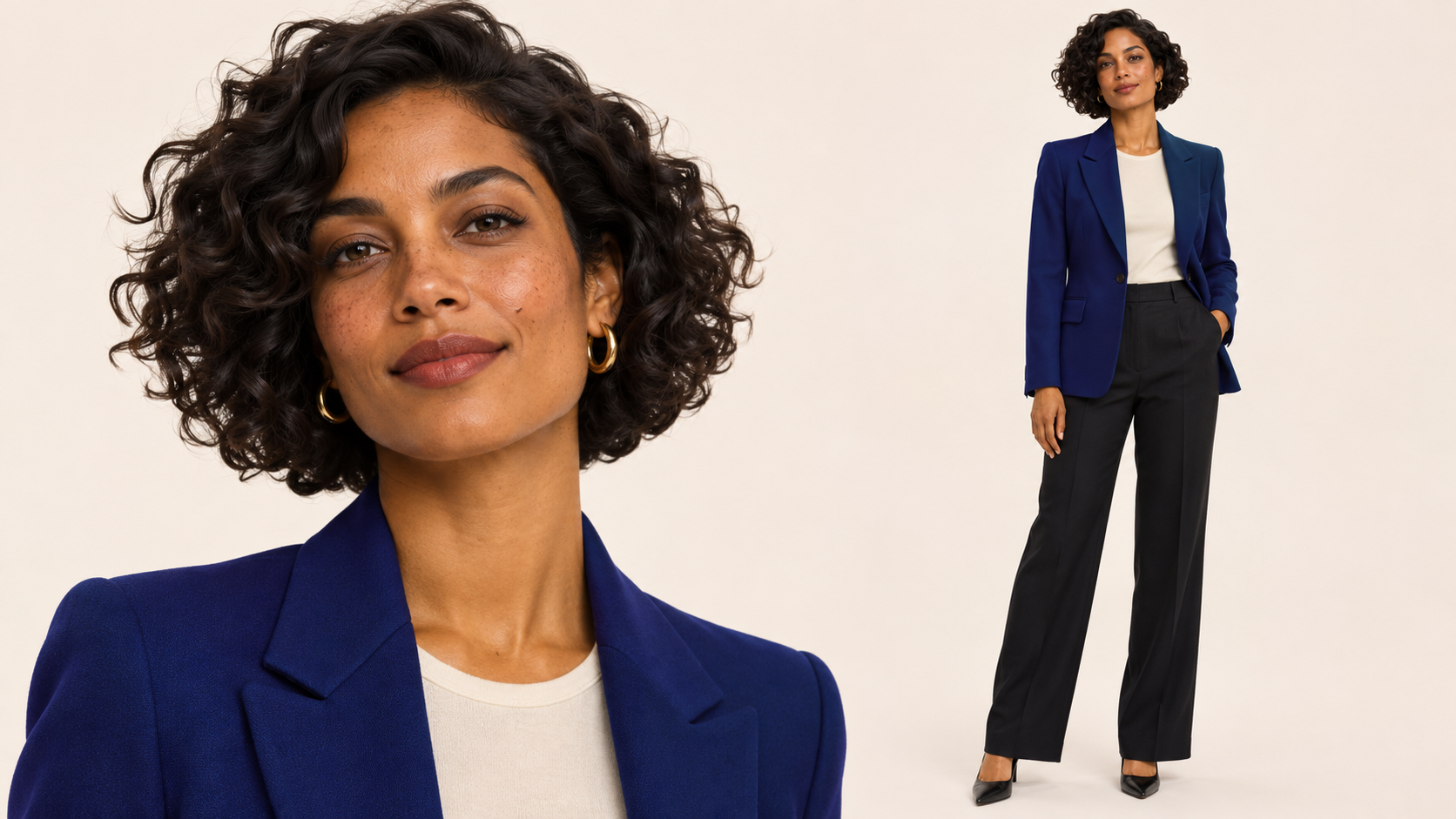
Create an AI influencer and video
Your AI influencer starts as a character sheet; creating a video is a separate generation.
- Start with a photo Optional
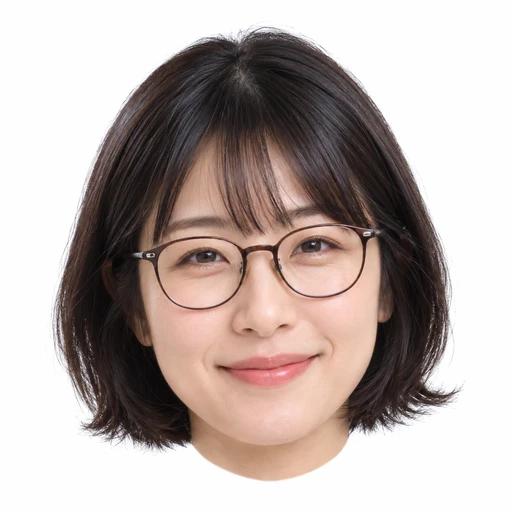 Average
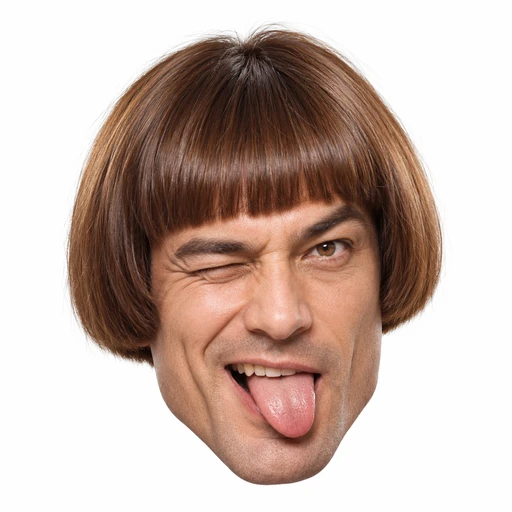 Bold
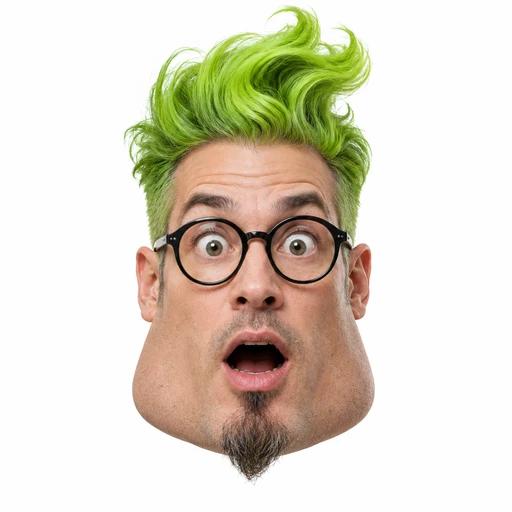 Extreme
STEP 1
Create a character
Choose an AI influencer character type and appearance; optionally start with a photo you have permission to use. Generate and review the character sheet.
- Video trends
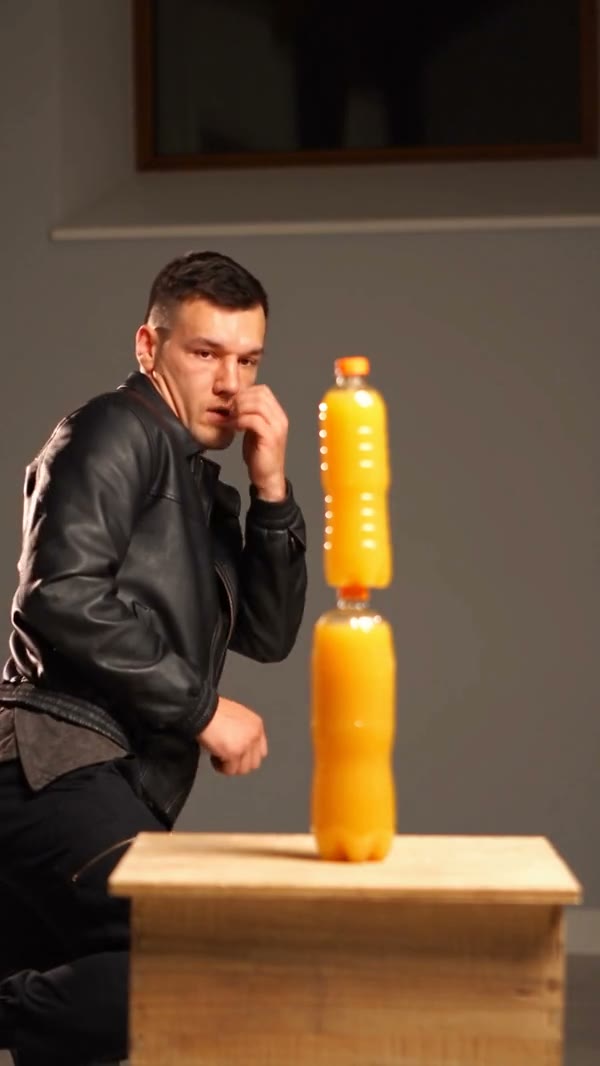 Bottle Kick AI
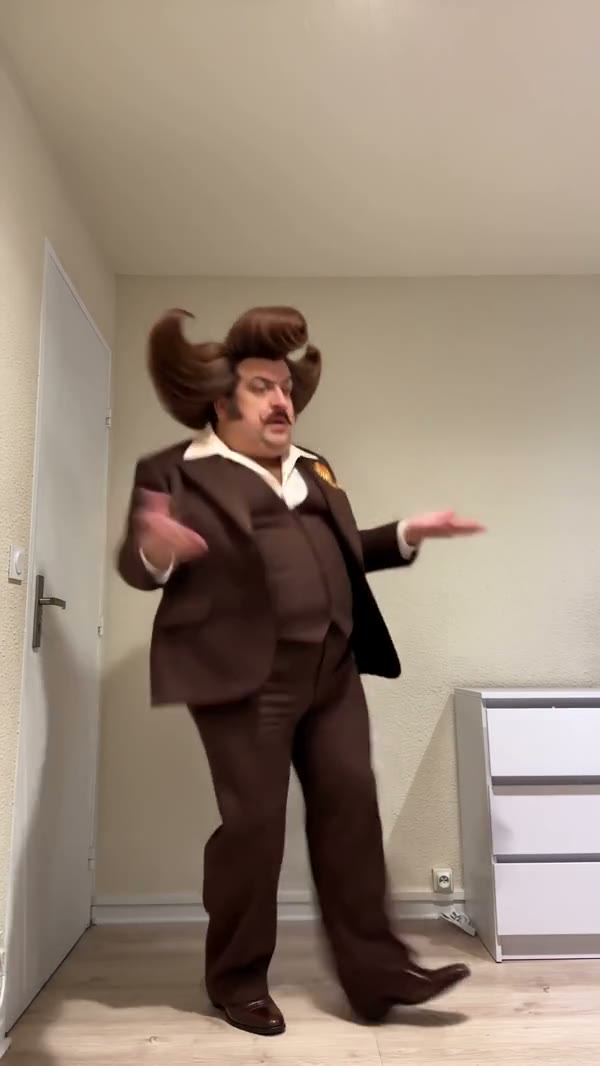 Jean Phil Dance AI
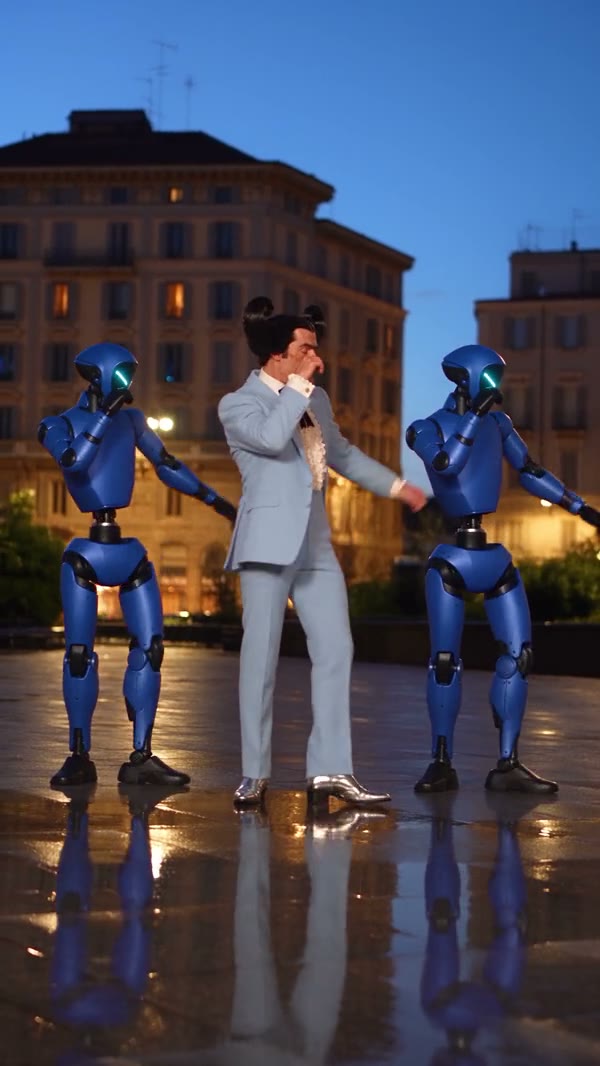 Trio Shuffle AI
STEP 2
Choose a video trend
Open Video trends and preview a performance that suits your AI influencer.
 Character selectedGenerate
STEP 3
Generate your video
Bring your AI influencer into a compatible template, then add any other photos required for its roles. Review the mode and credit estimate, generate and check the finished AI influencer video for consistent features.
Take an AI influencer from an idea to a scene
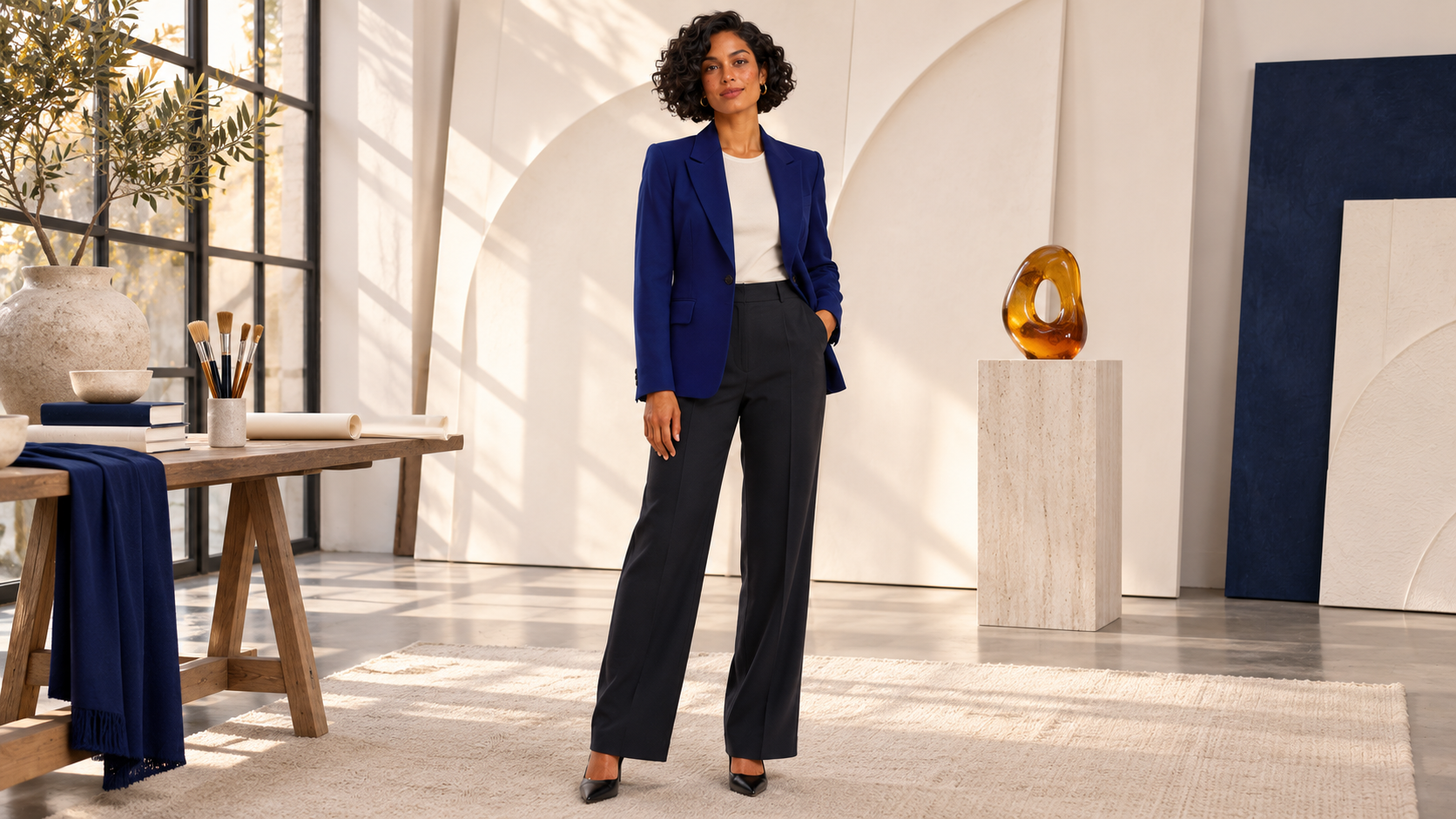
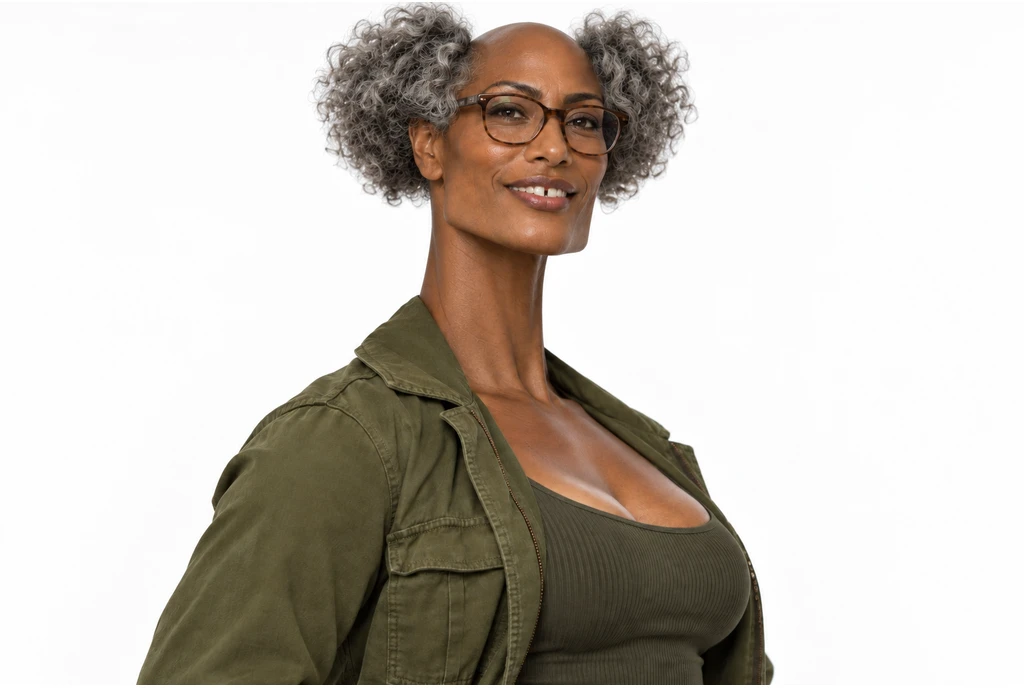
These AI influencer illustrations were created separately to show possible creative directions. Your own results will vary.
Set the features your AI influencer will use
Explore hair, clothing, facial features and body shape to give your AI influencer a distinct appearance. You can refine a finished sheet with Edit, or use it as an image reference for another scene. Inspect the face and outfit across versions: individual features can change between generations.
Put an AI influencer into a performance
Browse the video trends collection and preview a dance, group scene or another prepared performance. Carry your character into a compatible template and check which role it will fill. Add any other requested photos, then review the available mode and estimate before making a video.
AI character remixes
Bottle Kick AI
Jean Phil Dance AI
Trio Shuffle AI
Develop an AI influencer wardrobe
Open a finished character and describe a change to its clothing or appearance. Each edit creates another portrait and full-body sheet on a white background. Compare the face, outfit and proportions with the earlier version before deciding which image fits the scene you want to make.
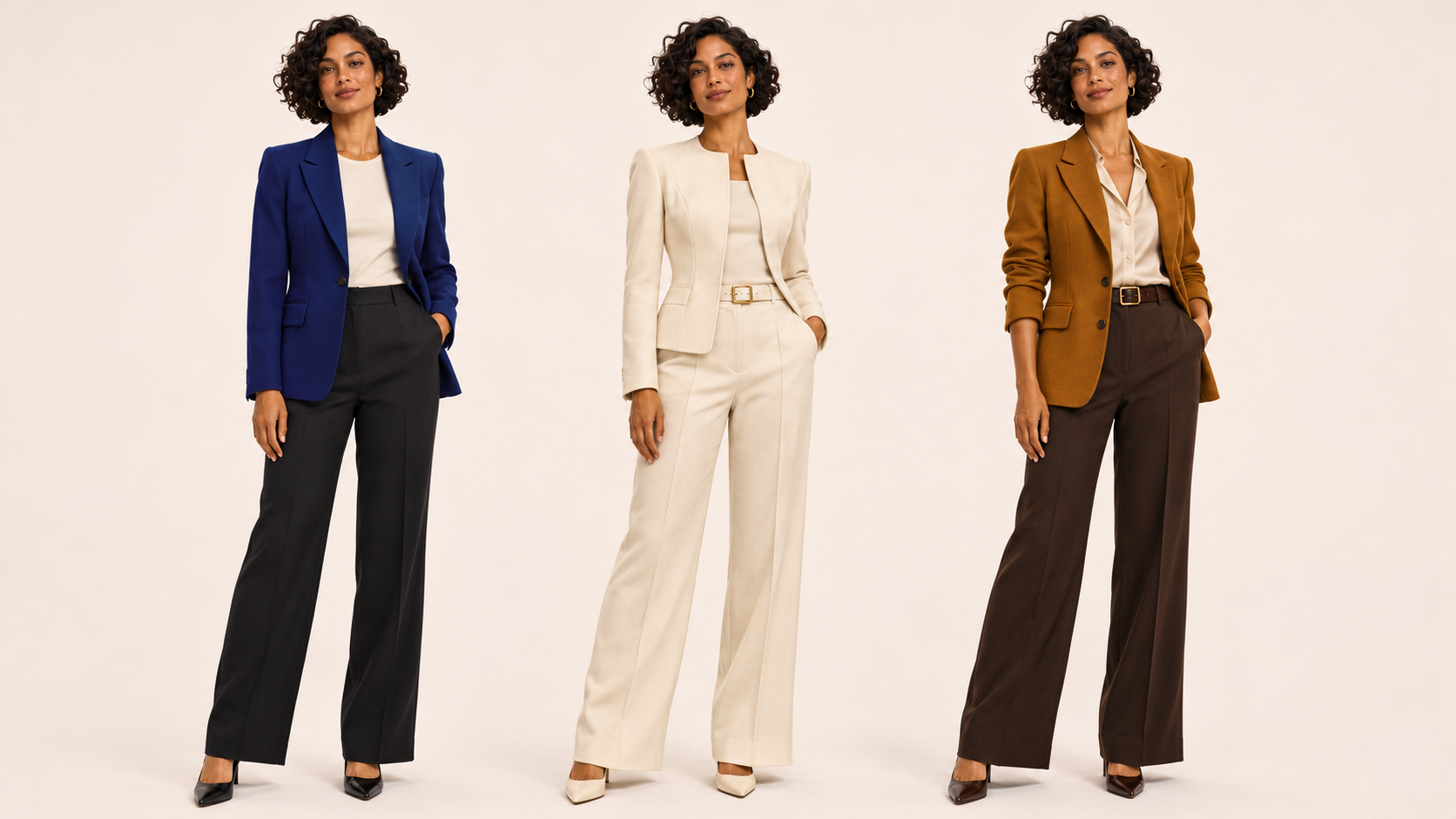
Reuse an AI influencer image
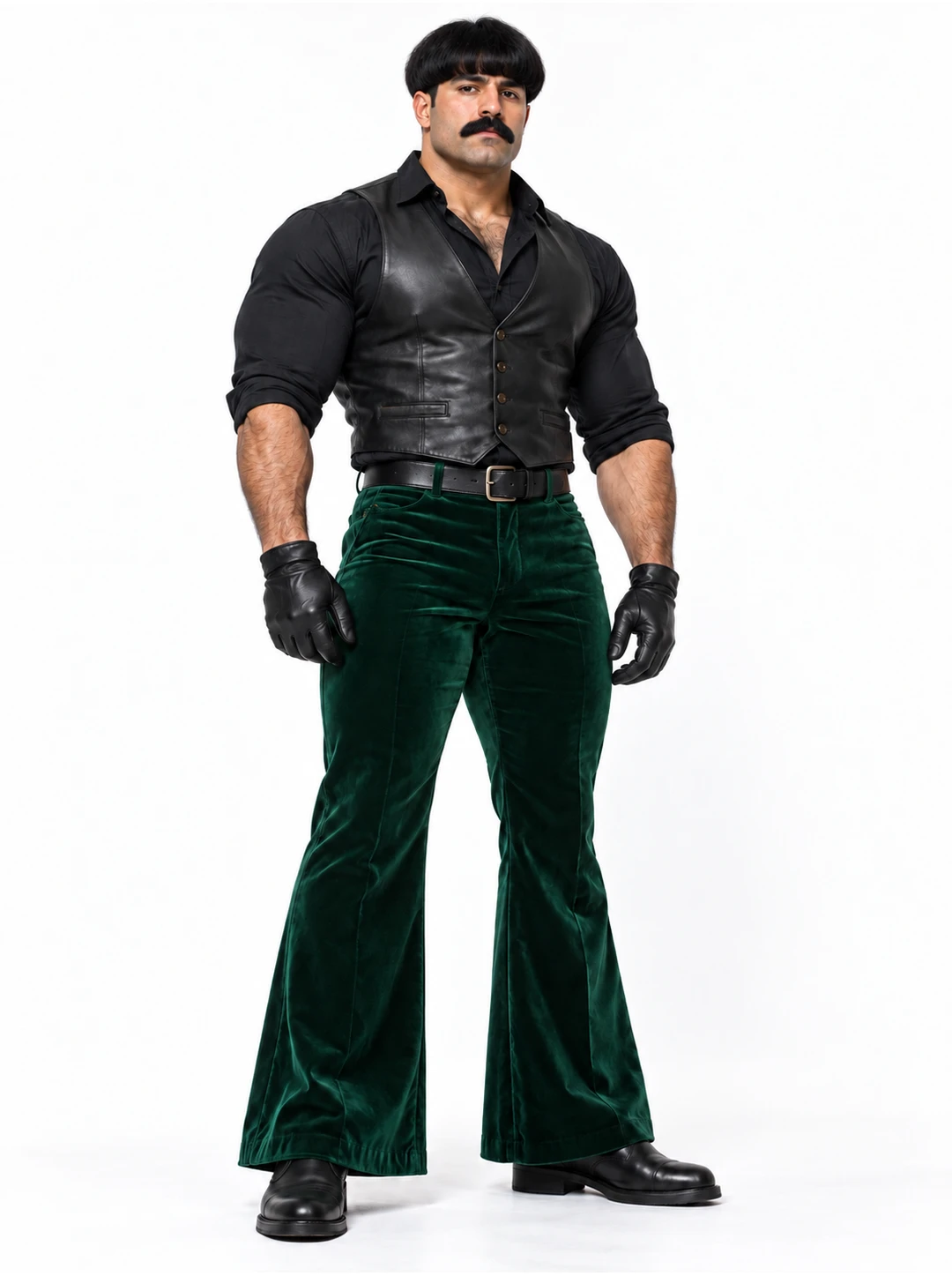
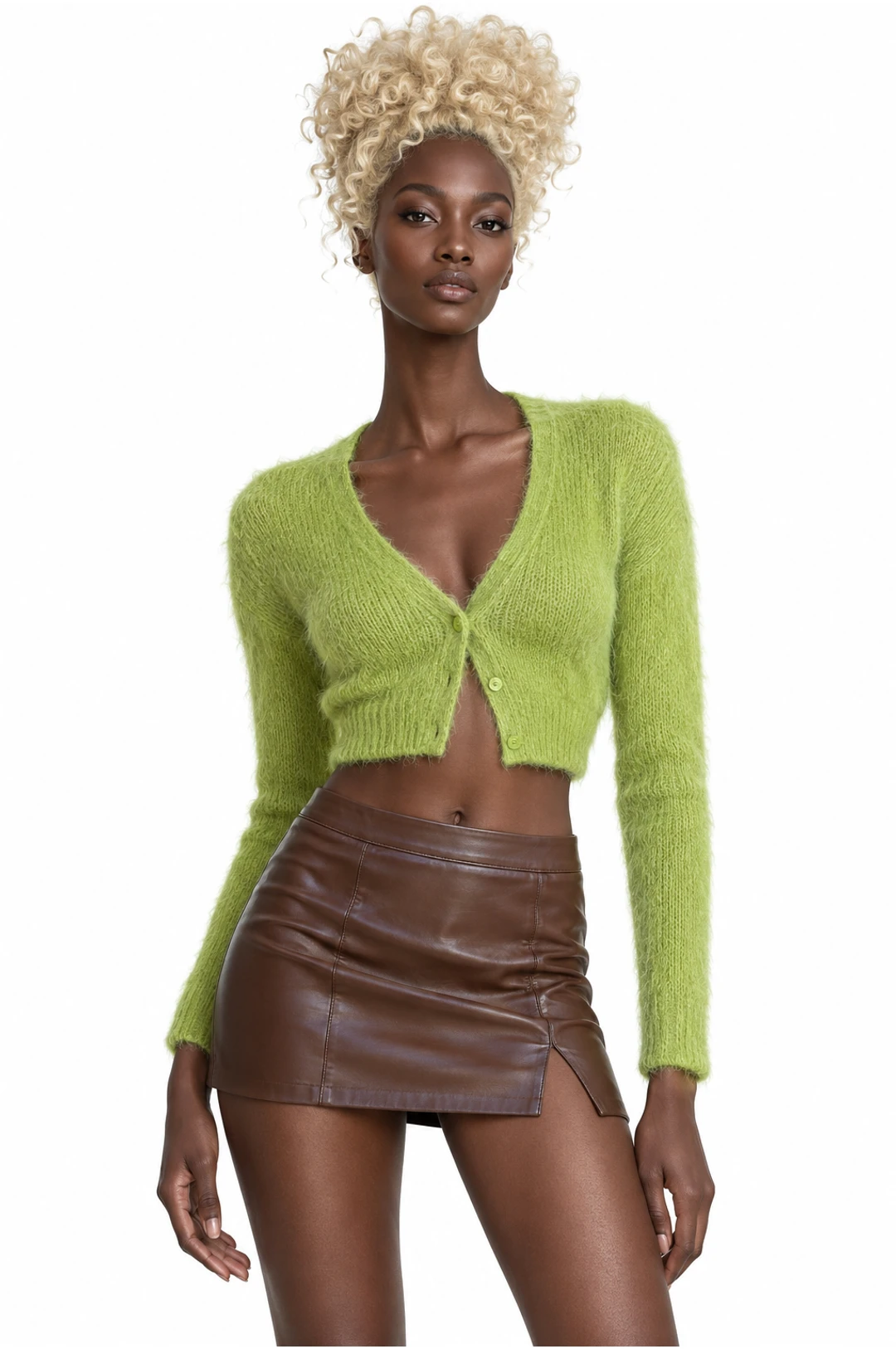
My images brings supported uploads and completed image results into compatible photo inputs. Select a character sheet for a trend or another image workflow, review the remaining inputs and start the next generation when ready. Character images and videos are separate requests with separate estimates.
My images
AllUploadsGenerated
 UploadsGenerated
 Uploads
 Generated
 Uploads
 Generated
AI Influencer Creator: questions and answers
What to know before you create.
Can I create an AI influencer from my own idea?
Yes. Use the available character controls and description field to build your own brief.
Can I turn my character into a video?
You can use an AI influencer image as a reference for a compatible video workflow. The chosen template determines any other photos or inputs required.
Will my AI influencer look identical in every image?
No. Generations can vary, so review the face, clothing and other details before selecting an image to reuse.
What does the character builder create?
An AI influencer generation produces a sheet with a close portrait and a full-body view. Review finished sheets in My characters and choose one as a reference for a compatible workflow.
Are AI influencer images and videos separate generations?
Creating a character image and generating a video are separate steps. Review the credit estimate for each generation before submitting it.
Can I start from someone else’s photo?
For your AI influencer, use a photo of yourself or an adult who has agreed to appear, and follow the acceptable use rules for any reference you upload.
Can I change an AI influencer’s outfit?
Open a completed character sheet and describe the change in Edit. Compare the new portrait and full-body view with the earlier sheet before reusing it.
Which image should I use for an AI influencer dance?
Choose a clear image suited to the routine’s framing. A full-body view gives a dance workflow more visible appearance detail than a tight portrait.
Create an AI influencer to work with
Choose the details for an AI influencer character sheet, review the result and explore a compatible video trend when you are ready.