Create a video

Required photos2
Settings
Mode
Video length26s
Resolution

Goalkeeper Saves AI: Cast the Kicker and Keeper

Cast two players in a prepared football sequence. The first preview shows the full reference; the second is a community example.

0:00 / —:—
0:00 / —:—

Goalkeeper Saves AI community clips

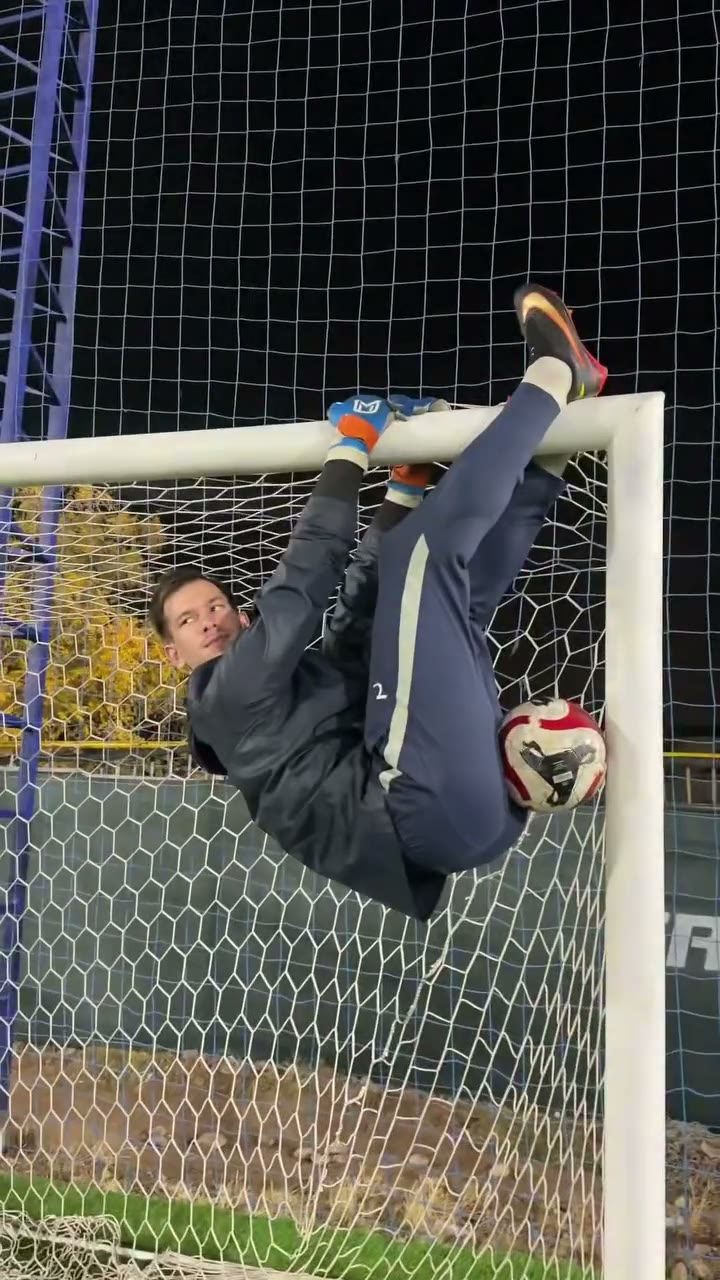
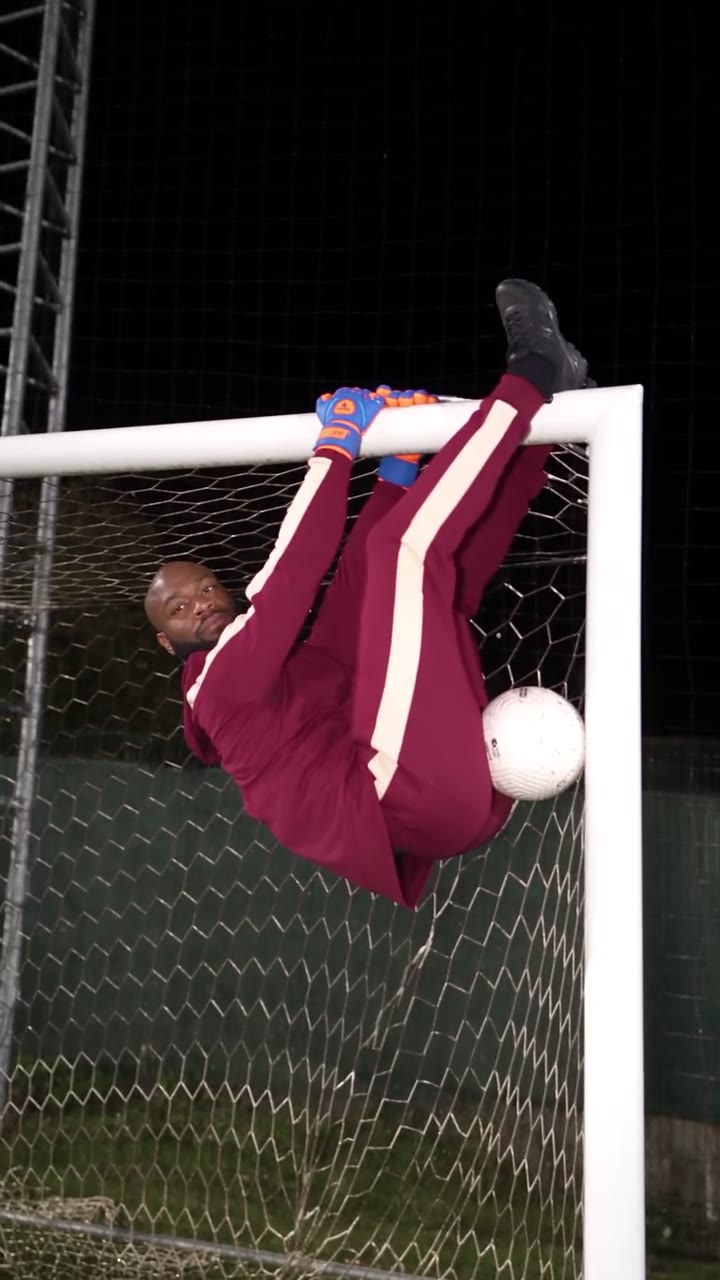
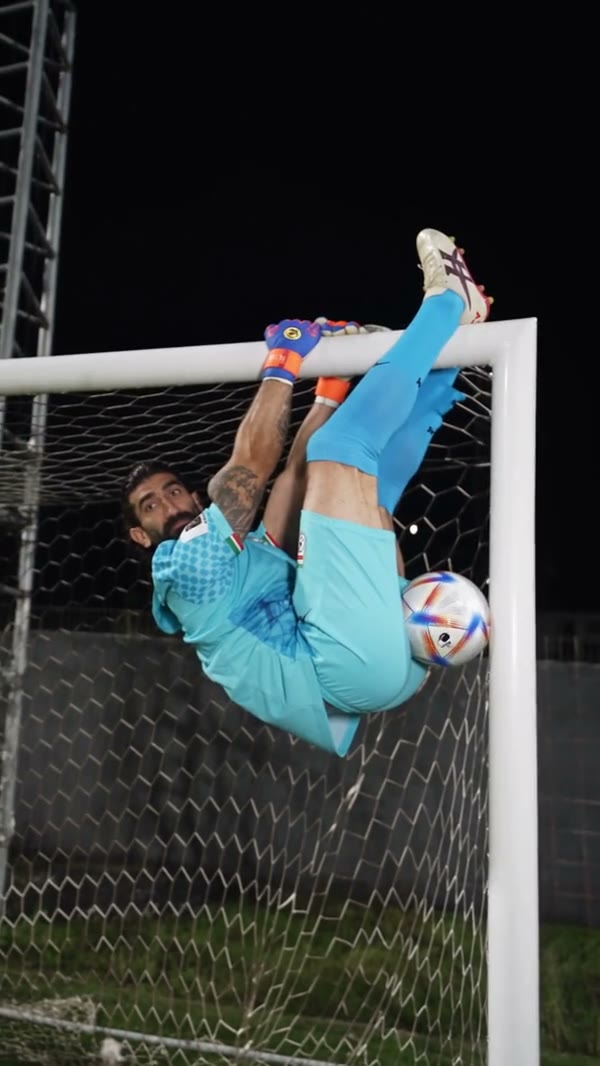
The following outside examples show different casts in a similar prepared scene.

What is Goalkeeper Saves AI?

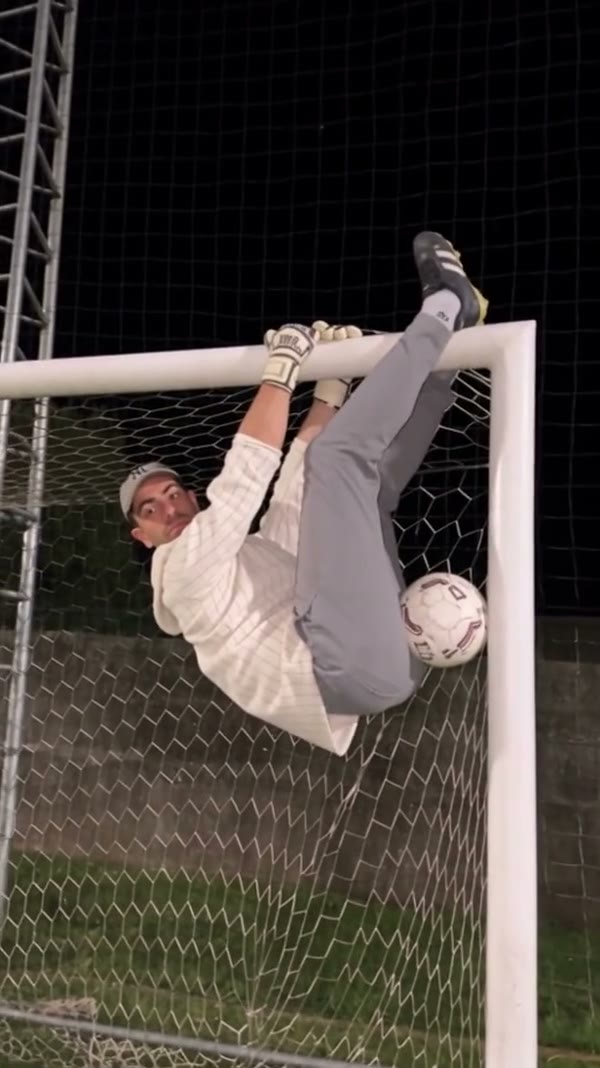
Goalkeeper Saves AI is a two-person video template using a prepared football reference. One player kicks the ball while a goalkeeper moves around the goal, including hanging and flipping at the crossbar. Photo 1 guides the kicker; Photo 2 guides the goalkeeper. The reference supplies the pitch, goal, camera cuts and action, while the model interprets each person’s face, body and clothing from their photo. The result is an imagined video effect rather than analysis of a match. Position, anatomy and ball contact can vary. Use Goalkeeper Saves AI for a playful sports greeting featuring two consenting people. If you add a caption after exporting Goalkeeper Saves AI, check that it stays clear of the goal, ball and faces during the vertical action.

The reference showing an acrobatic goalkeeper at the goal

How to make a Goalkeeper Saves AI video

Set the roles in order, check the reference and review the result.

  1. STEP 1

    Add the kicker

    Upload Photo 1 for the player taking the shots on the field.

  2. STEP 2

    Add the goalkeeper

    Use Photo 2 for the person who performs the saves and crossbar movements.

  3. STEP 3

    Select and generate

    Choose a reference length and review the estimate. Sign in, generate and inspect the completed clip in My creations.

Two photo roles, one prepared action

Map your cast to the positions in the reference and choose the length that fits.

Map the Goalkeeper Saves AI roles

The first Goalkeeper Saves AI slot belongs to the outfield player who takes the shots. The second belongs to the person making saves and moving around the crossbar. Use a separate, authorized image with one clear person in each slot, and check the order before submitting. A visible face and hairstyle help guide close shots; a wider view can also show clothing and body proportions. The goalkeeper gloves are functional reference props. Inverted poses and overlapping limbs can still make identity or outfit consistency difficult. For Goalkeeper Saves AI, choose photographs that make the two people easy to distinguish. Compare their faces and outfits in the uploaded slots before submitting, especially if a similar hairstyle or kit could make the completed roles harder to follow.
Map the Goalkeeper Saves AI roles

Watch the Goalkeeper Saves AI action

The Goalkeeper Saves AI source supplies the night field, goal, kicks and camera changes. It also contains unusual acrobatic goalkeeper movements, including inverted moments near the crossbar. This is a prepared sequence: there is no separate control for the goalkeeper’s individual saves, the ball path or the venue. Preview the reference and pick it when that sequence suits your idea. Nobody needs to recreate the activity on a real pitch; the finished clip is generated from the photos and reference. The Goalkeeper Saves AI preview is useful for deciding whether the crossbar action and night setting match your plan. Changing the input photos guides the cast; it does not independently set the ball trajectory or replace the goal.

Watch the Goalkeeper Saves AI action

Choose a short or complete performance

Original follows the full Goalkeeper Saves AI source, approximately 25.66 seconds. Economy and Standard use the first 14.9 seconds of that reference, shown as a 15-second setting; later action may be outside the shorter cut. Modes can use different models and credit costs, so check the current estimate before submission. The delivery flow attempts to restore audio from the selected reference. Once the job finishes, inspect each person, the ball and goal frame, then listen for sound in the downloaded file. When you review Goalkeeper Saves AI, watch both players through the camera cuts and check where the ball meets the gloves. If a face is obscured or an outfit shifts, another attempt with a clearer image may help without guaranteeing consistency.

Choose a short or complete performance

Make the assignment before you start

The two ordered inputs guide different people in the same prepared sequence.

Photo 1

The outfield player takes the kicks.

Photo 2

The goalkeeper stays at the goal and crossbar.

Reference length

Short modes cover the first 14.9 seconds; Original uses the complete source.

Goalkeeper Saves AI role and timing FAQ

Understand the inputs and fixed action before creating.

How many photos are required for Goalkeeper Saves AI?

Goalkeeper Saves AI requires two inputs: Photo 1 for the kicker and Photo 2 for the goalkeeper.

Can one image fill both Goalkeeper Saves AI roles?

Both Goalkeeper Saves AI slots must contain an image. You may select the same authorized person twice, but the model may interpret each appearance differently.

What happens to the Goalkeeper Saves AI gloves?

The prepared prompt asks the model to keep the gloves as functional props. Small equipment details are not guaranteed to remain consistent.

Can Goalkeeper Saves AI change the pitch or save?

No separate pitch, ball-path or choreography controls are provided. Those elements follow the selected reference.

What does Goalkeeper Saves AI Original include?

Original uses the roughly 25.66-second complete reference, including the later portion of the football sequence.

What do the shorter Goalkeeper Saves AI modes include?

Economy and Standard use the opening 14.9 seconds of the same source. They may omit later shots and crossbar moments.

Is the reference audio included?

Goalkeeper Saves AI delivery attempts to restore sound from the selected reference. If that process fails, the resulting file may be silent.

Why might a Goalkeeper Saves AI face or hand change?

Fast movement, inversion, body overlap and ball contact can make visual consistency difficult. Inspect the completed clip and consider clearer source photos.

Are the examples actual Motion Control outputs?

The Goalkeeper Saves AI community videos were created elsewhere. They illustrate the scene and do not verify the output of this page.

How much does a Goalkeeper Saves AI task cost?

The current Goalkeeper Saves AI estimate is shown in the workspace for the selected mode. Sign-in and sufficient credits are required to submit.

Set up Goalkeeper Saves AI

Choose the two people and check the reference length.

Goalkeeper Saves AI