Create a video

Required photos1
Settings
Mode
Video length30s
Resolution

Goodbye GTA 5 AI: Recreate the Farewell

Cast one person in a prepared goodbye at the waterfront. Choose the complete story or a shorter departure, then make it with your photo.

0:00 / —:—

See other farewell interpretations

These clips are sourced elsewhere and show the same scene. Your result can differ.

What does Goodbye GTA 5 AI create?

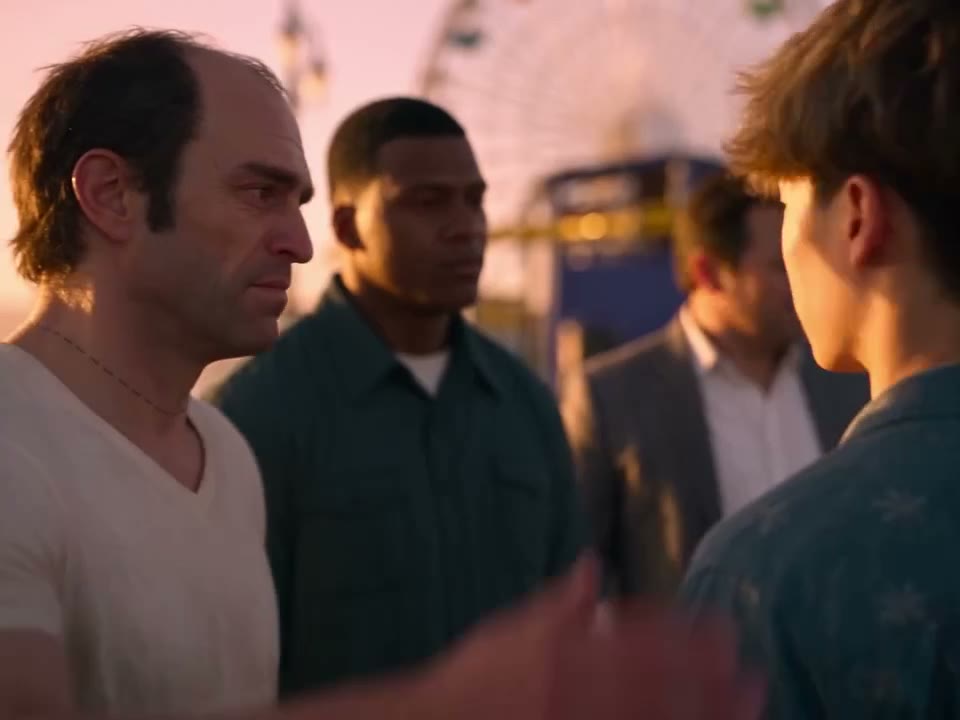
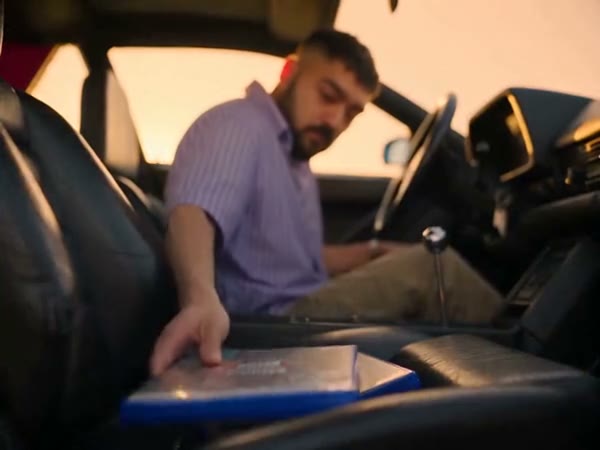
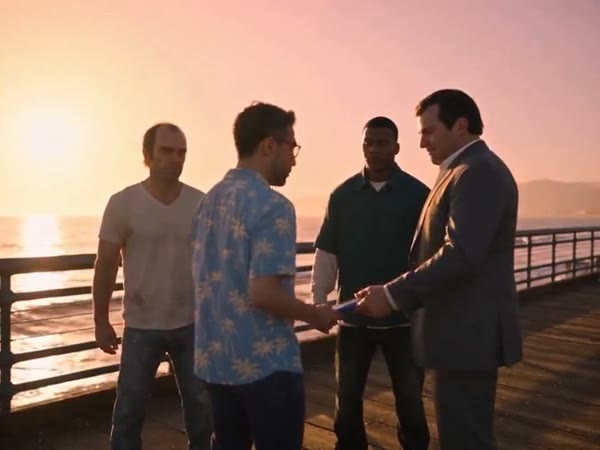
The Goodbye GTA 5 AI video generator uses a fixed farewell scene. Your photo guides the traveler who meets three people beside the water, says goodbye and leaves in a car. The source footage supplies the sequence of gestures, camera views and cuts; the workspace combines it with your single person image. The complete version also includes a game case and keys changing hands. It is a fan-inspired creative tool from Motion Control, with no affiliation to Rockstar Games.

A community interpretation of the waterfront farewell

How to use Goodbye GTA 5 AI on Motion Control

Set the person, review the reference length and inspect the finished sequence.

  1. STEP 1

    Add the traveler

    Upload one clear, permitted person photo to the labeled slot.

  2. STEP 2

    Select the reference

    Choose Original for the complete scene or a short mode for the later part. Review settings and the current estimate.

  3. STEP 3

    Make and inspect

    Generate when signed in, then open My creations to watch and download the result.

Plan the motion before you generate

The prepared clip defines the action; your picture guides the featured traveler.

Follow a scene with several camera angles

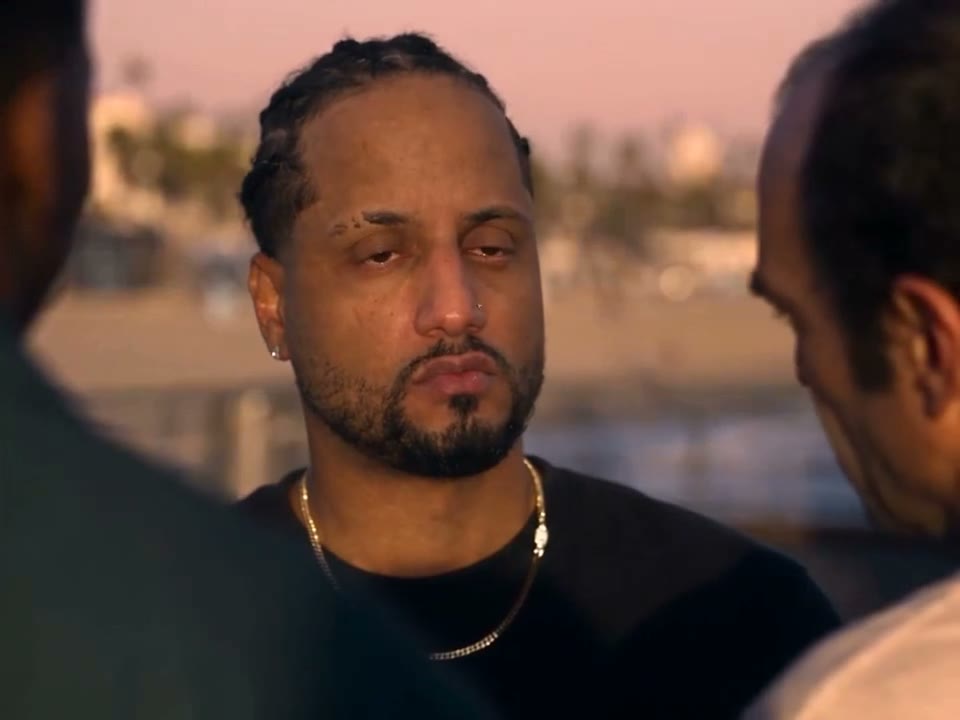
A gesture is easier to reproduce when the reference shows its timing. Here the action moves from a group interaction into an emotional close-up and the car departure. Goodbye GTA 5 AI keeps that prepared order rather than asking you to assemble separate shots. Your picture is assigned to the traveler throughout the sequence. The people around that role and the setting are supplied by the footage, so there are no extra slots for recasting them.
Follow a scene with several camera angles

Decide where the farewell begins

Original follows the whole reference for roughly 30 seconds, including the early handoff. Economy and Standard use a 14.9-second excerpt from later in the clip and show a 15-second setting. That excerpt covers the close-up, entry into the car and the beginning of the drive; it leaves out the opening exchange. Check the selected mode and displayed credit estimate before submitting, particularly when the first scene matters to your idea.

Decide where the farewell begins

Give the moving subject a readable photo

Choose one image with a distinct person, visible face and enough of the outfit to guide both close and wider views. A photo with several overlapping people can make the intended role ambiguous. Once your result is ready, check the face through the cuts, the hands around the key exchange and the transition into the car. Clothing, expression or small objects may shift as the model interprets motion; use a clearer source and compare another attempt if needed.

Give the moving subject a readable photo

What stays in the reference?

The photo and the selected reference each have a different role in the finished video.

Your input

One person image guides the traveler’s appearance and clothing.

Prepared motion

The gestures, other people, waterfront, vehicle and shot sequence come from the clip.

Your choice

Select the complete story or its later excerpt and review the available settings.

Questions before making a farewell video

Reference, photo and output details for Goodbye GTA 5 AI.

Do I need to supply the video?

No. The farewell footage is already attached to this fixed template; add the requested person photo.

Which part does the short mode use?

Economy and Standard use the later 14.9 seconds selected from the source, omitting the opening handoff. Original follows the full approximately 30-second clip.

Can I choose photos for the other three people?

This page has one traveler slot. The remaining people are part of the reference and cannot be assigned separate photos here.

Will the output include sound?

The delivery process attempts to restore audio from the selected reference segment. A result can be silent if restoration fails; check it and your sharing rights.

How much does a generation cost?

The workspace shows the current credit estimate for the chosen mode and settings before you generate.

Are the examples Motion Control results?

The additional examples were created elsewhere. They illustrate variations of the scene and do not predict your result.

Is this an official GTA product?

No. Motion Control is independent and is not affiliated with or endorsed by Rockstar Games. GTA marks belong to their respective owners.

Where can I review the video?

After the task finishes, open My creations to play the result and use the download control.

Start your Goodbye GTA 5 AI scene

Add the traveler and choose the part of the story you want.

Goodbye GTA 5 AI