Create a video

Required photos1
Settings
Mode
Video length28s
Resolution

Pet Barista AI: Guide the Cafe Barista

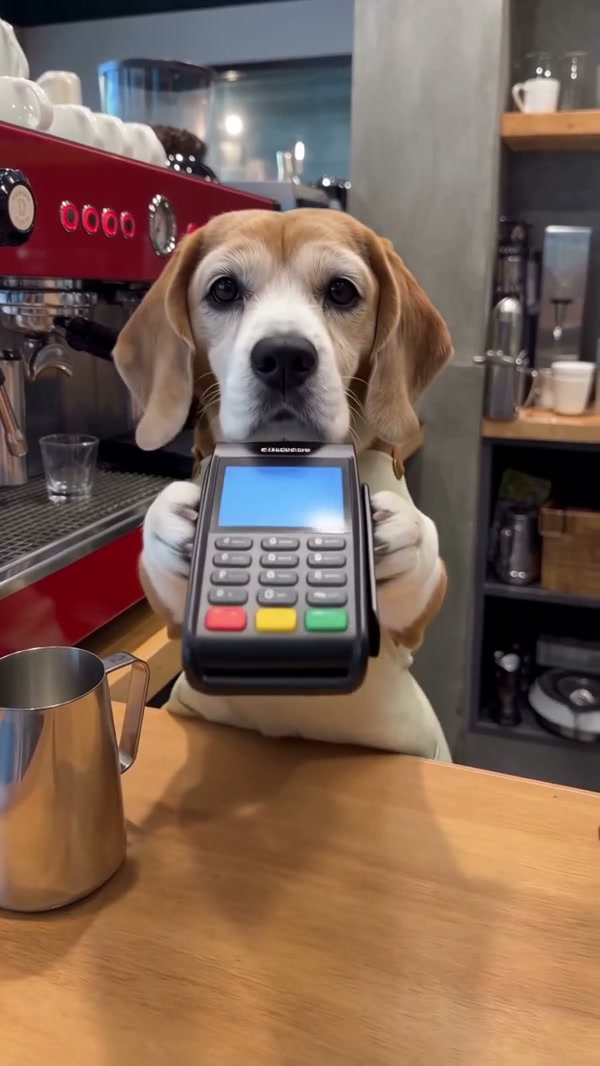
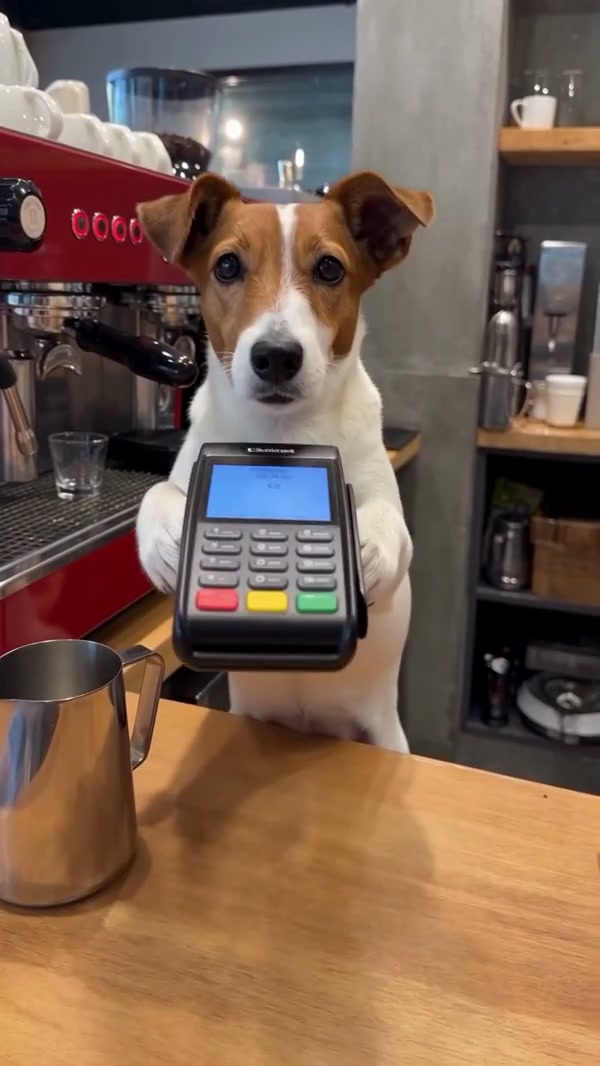
Give one pet the starring role. The first preview shows the full reference; the second is a community example.

0:00 / —:—
0:00 / —:—

Pet Barista AI community clips

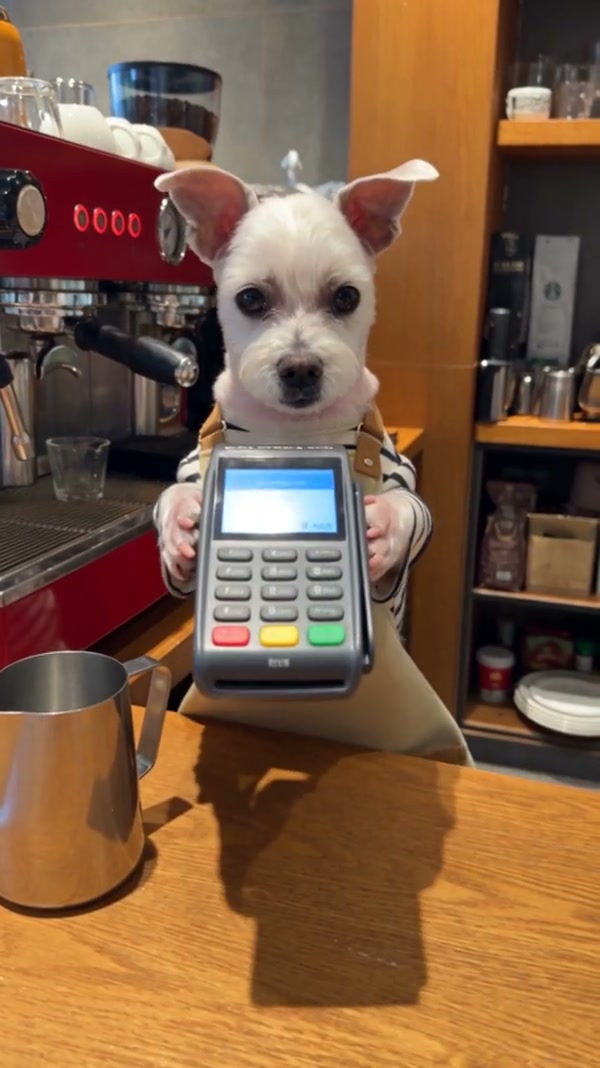
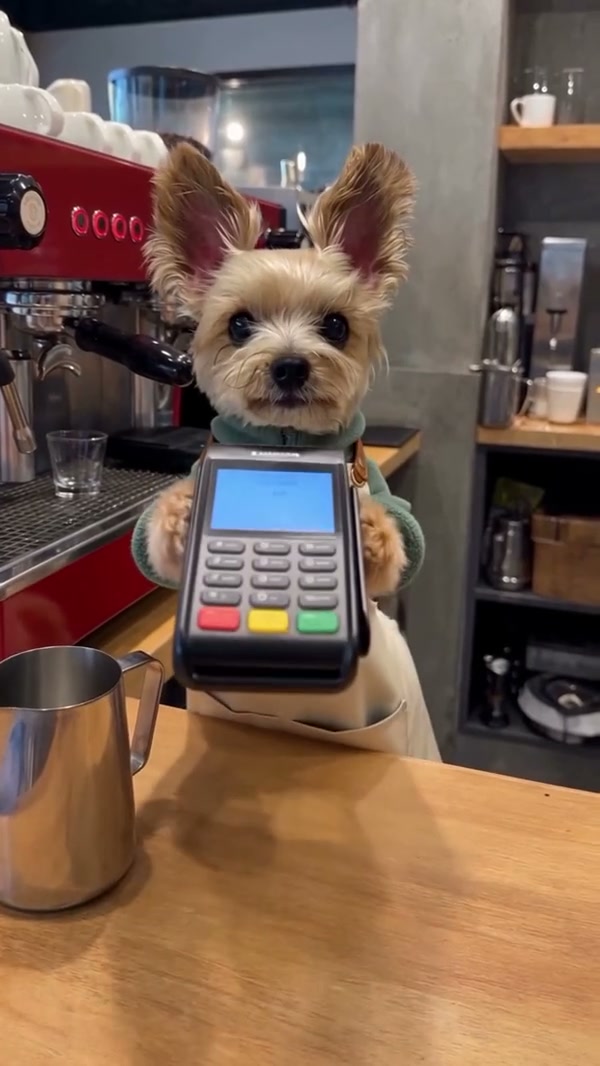
These outside examples show different dogs in cafe scenes.

What is Pet Barista AI?

Pet Barista AI is a fixed-reference pet video effect. A dog appears behind a cafe counter and follows a coffee-making sequence involving an espresso machine, milk, a pitcher and a finished latte. Your single pet photo guides the animal’s appearance while the reference supplies the cafe, equipment and cuts. Motion Control generates an interpretation of the chosen section; faces, paws, props and timing can vary. The community examples were created elsewhere and help illustrate different looks rather than prove this page’s output. Pet Barista AI can anchor a playful cafe greeting or a pet-themed montage. When editing a finished Pet Barista AI clip, leave the middle of the frame clear enough for the animal and coffee equipment to remain visible.

The full prepared cafe reference

How to make a Pet Barista AI clip

Prepare one pet photo, choose the portion and review the output.

  1. STEP 1

    Add the barista

    Upload one authorized pet image with the face and markings visible.

  2. STEP 2

    Select the reference length

    Choose Original for the full cafe routine or a shorter mode for the later milk and latte segment. Read the credit estimate.

  3. STEP 3

    Generate and inspect

    Sign in, submit and open My creations when ready. Check the pet, coffee props and audio before downloading.

A prepared coffee routine with your chosen pet

Use the image slot to guide the barista and the mode to select the sequence.

Select a Pet Barista AI performer

The Pet Barista AI role uses one required photo. Choose an image with a clear face, ears and coat markings, ideally with enough of the animal visible to guide its body during movement. The source features a dog; you can try a cat or another pet, although the model may struggle to adapt the dog’s posture and paw contact. Avoid a crowded picture where the intended animal is difficult to distinguish. Make sure you have permission to use the image. For Pet Barista AI, inspect whether the face remains clear at thumbnail size and whether a paw or another animal covers important markings. A recognizable subject helps you compare the generated barista with the photo later.
Select a Pet Barista AI performer

Choose the coffee sequence

Original follows the complete Pet Barista AI reference, approximately 27.6 seconds, including its opening and espresso preparation. Economy and Standard use a later 14.9-second section, approximately 12.5–27.4 seconds into the source, covering the milk and latte portion. The workspace’s paired preview shows the full reference first and an outside example second; it does not shorten the first video when a shorter mode is selected. Choose the longer mode when the opening machine shots are important. In Pet Barista AI, choose the mode with the footage you actually need. The short selection starts after the opening, so compare it with Original when a full beginning matters; the model and displayed cost can also vary.

Choose the coffee sequence

Review Pet Barista AI details

A Dog Barista AI scene depends on contact between the pet and small cafe objects. Watch the generated clip for changes in the face or fur and for unusual paw, cup or pitcher movement. The counter, espresso machine and drink follow the prepared source; there is no separate selector for the equipment or cafe. Delivery attempts to restore the selected reference audio, but the finished file may be silent if that step fails. Check the result and any required sharing rights before posting. Review Pet Barista AI in motion as well as frame by frame. Pay attention when the paw crosses the cup or pitcher, then listen to the saved file because audio restoration may not always succeed.

Review Pet Barista AI details

What controls the cafe scene

The photo guides the pet while the fixed reference supplies the action.

One animal

The single required slot represents the featured pet barista.

Full or short

The shorter selection starts around 12.5 seconds into the full source.

Fixed setting

The cafe, camera, equipment and drink are part of the reference.

Pet Barista AI input and timing FAQ

Learn what the preset changes and what it retains.

How many photos does Pet Barista AI require?

Pet Barista AI requires one pet image for the featured barista.

Can Pet Barista AI make a dog barista video?

Yes. The reference features a dog and an authorized dog photo can guide the animal’s appearance.

Can Pet Barista AI use a cat photo?

You can try a cat photo in Pet Barista AI. The reference action comes from a dog, so the model may adapt cat anatomy and paw movements imperfectly.

What does Pet Barista AI Original include?

Original follows the full approximately 27.6-second reference, including the opening and espresso-machine shots.

Where does the short Pet Barista AI version start?

Pet Barista AI Economy and Standard use a 14.9-second selection beginning around 12.5 seconds into the source, focused on the milk and finished drink.

Can Pet Barista AI use a different coffee machine?

The template does not provide a separate equipment, drink or background input. Those details follow the reference.

Will Pet Barista AI have sound?

The delivery flow attempts to restore reference audio. Restoration can fail, so check the downloaded video.

Are these examples Motion Control generations?

The Pet Barista AI community examples were made elsewhere and are illustrative. Your result can differ.

How are credits shown?

Select your Pet Barista AI settings and check the live estimate in the workspace. Submission requires sign-in and sufficient credits.

Set up your Pet Barista AI clip

Add a pet photo and check the selected coffee sequence.

Pet Barista AI