Create a video

Required photos1
Settings
Mode
Video length15s
Resolution

GTA 6 Boat Getaway AI Video Generator

Cast one driver in a GTA 6 Boat Getaway AI dockside escape using a single portrait.

0:00 / —:—

GTA 6 Boat Getaway AI video ideas

See the available takes and plan a short getaway scene.

Set up the dockside escape

GTA 6 Boat Getaway AI follows a prepared sequence from a red car to a waiting boat. Two people run along the dock while the boat driver occupies the assigned photo role. The reference supplies the location, cuts and surrounding action. This creates a fictional video scene; it does not provide a playable game or a route editor.

Two people run along a dock toward a waiting boat

Build your GTA 6 Boat Getaway AI scene

Assign the driver, preview the escape and review the finished shot.

  1. STEP 1

    Add the driver

    Choose a single photo for the person steering the boat.

  2. STEP 2

    Review the dock sequence

    Compare the available modes and the amount shown before generation.

  3. STEP 3

    Generate the video

    Open your completed task and watch the approach, boarding and departure.

GTA 6 Boat Getaway AI

Cast one driver in a GTA 6 Boat Getaway AI dockside escape using a single portrait.

Choose a portrait for the driver

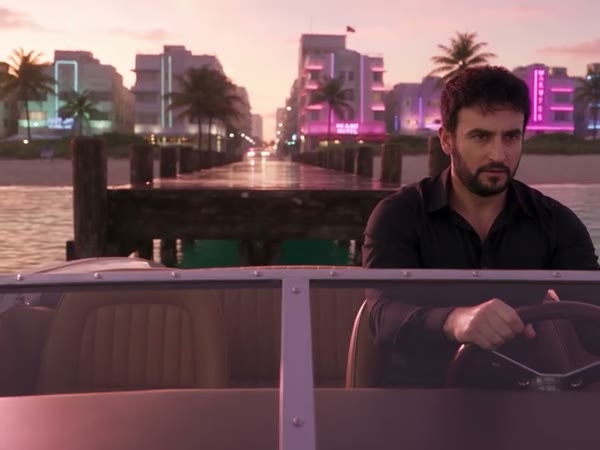
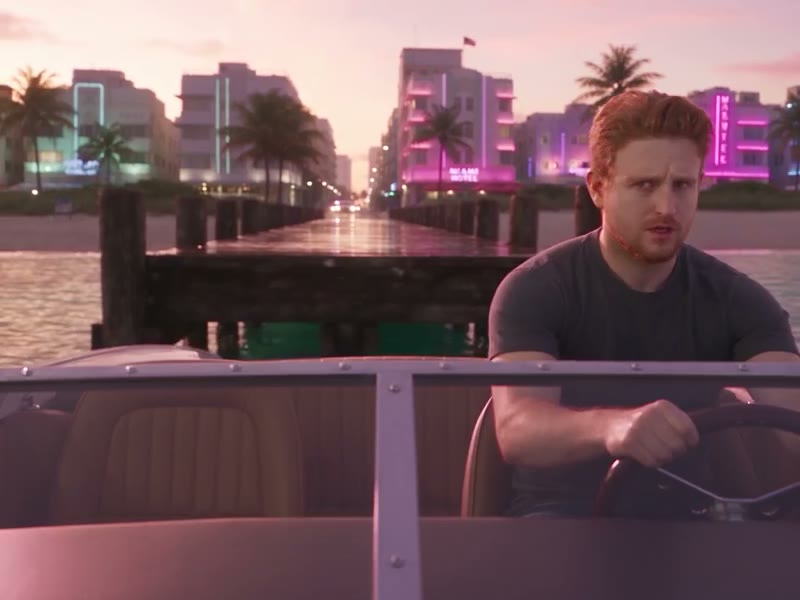
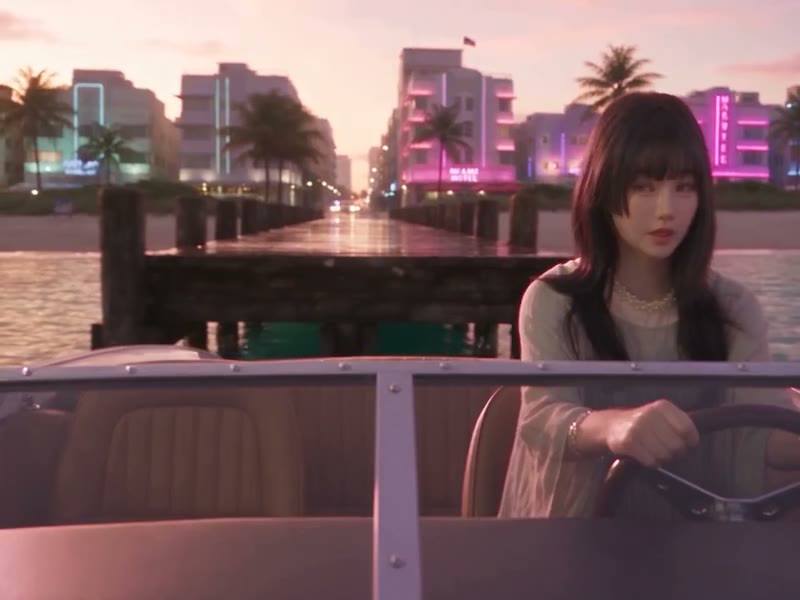
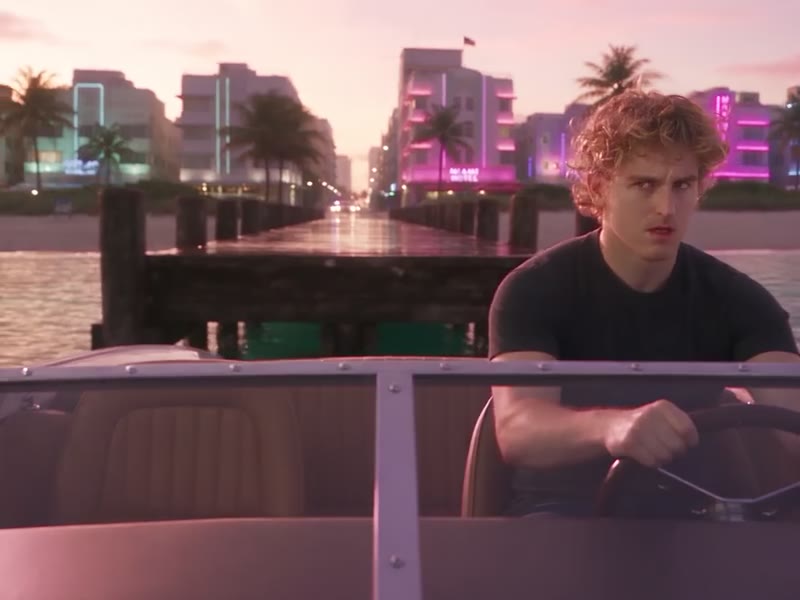
The only required image in GTA 6 Boat Getaway AI is the driver. Pick a clear photograph with one identifiable person, visible facial features and enough hair or clothing to guide a changing viewpoint. The two people approaching the boat do not have their own upload slots. Their appearance can still vary in a generated video.
Choose a portrait for the driver

Pick the sequence length

Economy and Standard use a prepared selection of approximately 14.9 seconds. Original uses the full source, a little over 15 seconds. The modes use different generation settings and display rounded durations. Preview the active version and review the current credit estimate before submitting.

Pick the sequence length

Inspect the handoff from dock to boat

Review the driver during the changing views and watch the people approaching and boarding. Hands, faces and boat edges may change when figures overlap or move quickly. The source soundtrack is restored on a best-effort basis, so check the finished audio and make sure you have the rights needed for sharing.

Inspect the handoff from dock to boat

GTA 6 Boat Getaway AI FAQ

Assign the driver, preview the escape and review the finished shot.

Can I replace everyone on the dock?

The form has one required driver photo. The two other people follow the prepared footage and do not have separate image slots.

Do I need a picture of a boat?

No. The boat, dock, red car and camera sequence come with the template. Your image guides the driver.

What is the difference between modes?

The short modes use an approximately 14.9-second selection; Original follows the complete source of just over 15 seconds. Settings and estimates differ.

Is this an official game?

It is an independent, fan-inspired AI video scene. You cannot steer a playable character or change the route through this page.

Will the audio be present?

The service attempts to restore the reference sound after generating the visual portion. Verify the actual file and any sharing rights.

Create GTA 6 Boat Getaway AI

See the available takes and plan a short getaway scene.

GTA 6 Boat Getaway AI