Create a video

Required photos1
Settings
Mode
Video length15s
Resolution

Dog Doorbell AI Video Generator

Bring one pet photo into a Dog Doorbell AI close-up with a tiny stool and a wide-angle view.

0:00 / —:—
0:00 / —:—

Dog Doorbell AI video ideas

Compare pet interpretations and choose a favorite photo for your own clip.

See the arrival from the doorway

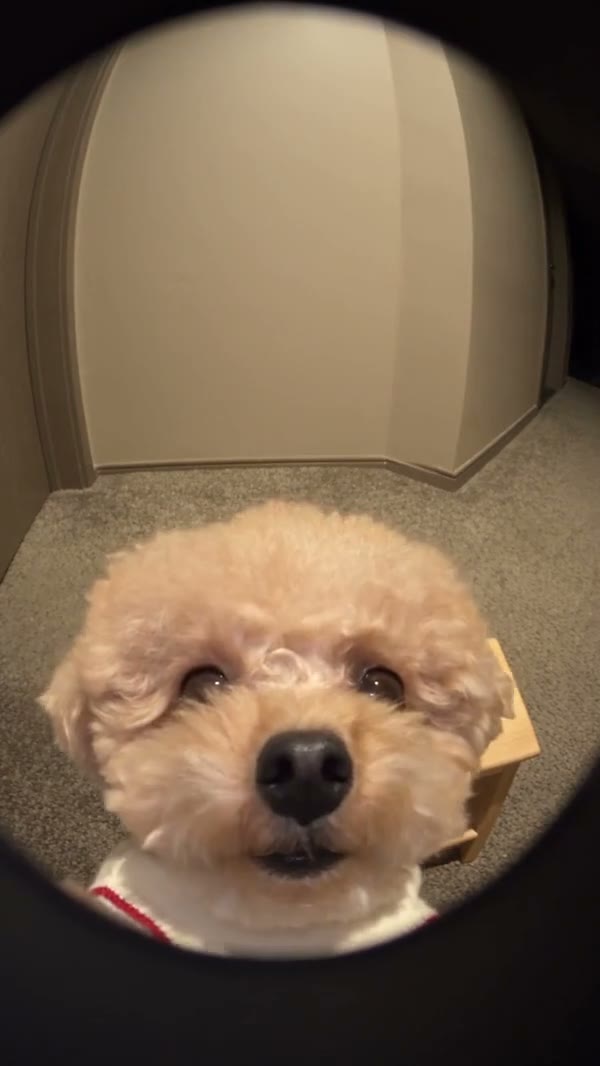
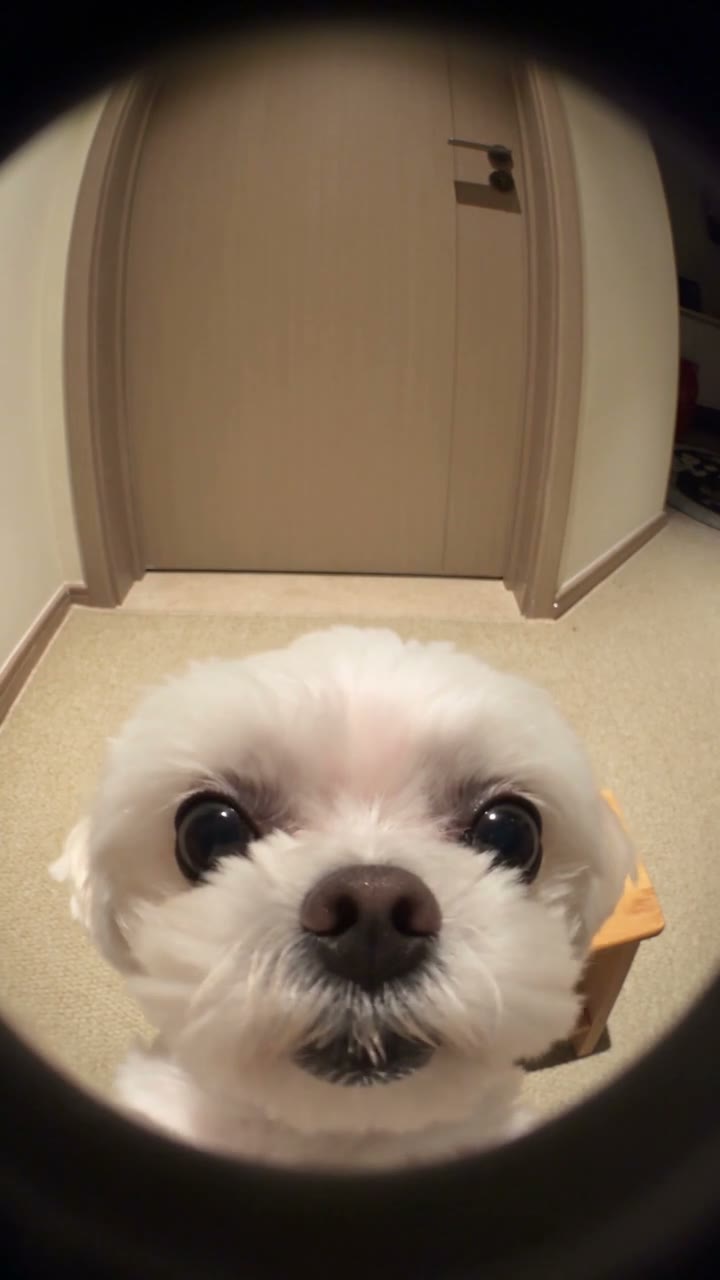
Dog Doorbell AI turns a single pet picture into a prepared doorbell-camera sequence. The animal appears close to the lens, moves toward a small wooden stool and returns toward the camera. The perspective and actions are supplied by the reference; the chosen image guides the featured pet.

A dog approaches a doorbell camera beside a small stool

Make a Dog Doorbell AI video

One clear pet image is enough to set up this doorway scene.

  1. STEP 1

    Add a pet picture

    Use a photo with one recognizable animal and visible markings.

  2. STEP 2

    Compare the modes

    Play the preview and review the selected version and credit estimate.

  3. STEP 3

    Watch your clip

    Generate and inspect the face, movement and audio when it is ready.

Dog Doorbell AI

Bring one pet photo into a Dog Doorbell AI close-up with a tiny stool and a wide-angle view.

Select a useful pet photo

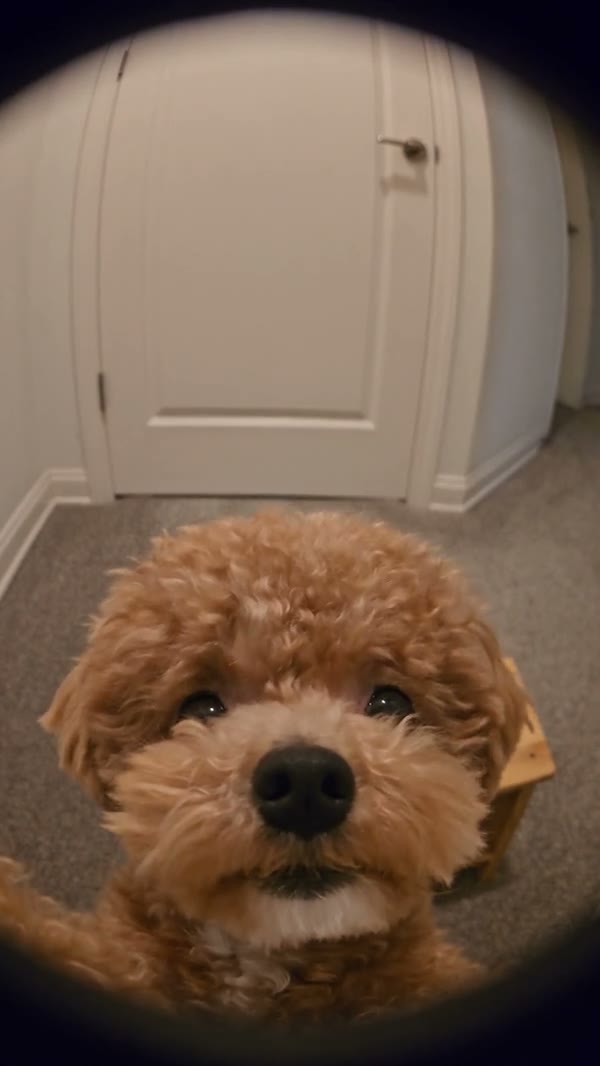
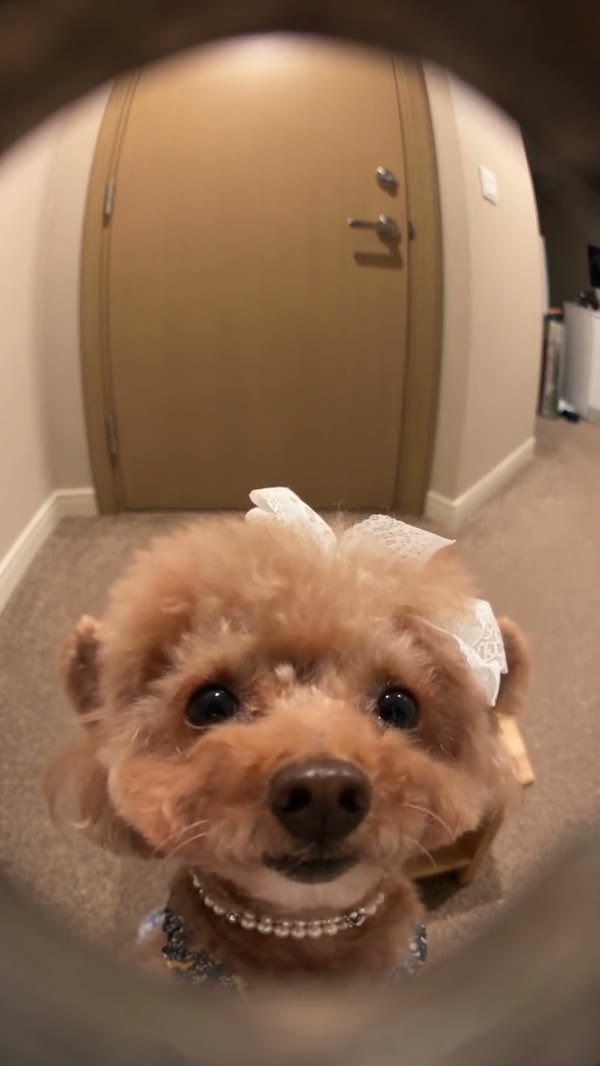
Choose one well-lit photo where the eyes, ears, muzzle and coat markings are clear. A wider view can provide information about the body as the animal moves away from the camera. The source movement comes from a small dog; other pets can be tried, but their proportions and motion may be interpreted differently.
Select a useful pet photo

Use the prepared camera movement

The doorway, stool and rounded close-up view come from the Dog Doorbell AI reference. There is no separate backdrop or object picker. Original uses the complete source of just over 15 seconds; Economy and Standard use an approximately 14.9-second selection with different generation settings.

Use the prepared camera movement

Check the face as the pet moves

Look for the markings and facial features you recognize in both the close-up and wider stool view. Paws and furniture edges may change during movement. The reference contains sound and the workflow attempts to restore it; check the actual output before adding the clip to a longer pet edit.

Check the face as the pet moves

Dog Doorbell AI FAQ

One clear pet image is enough to set up this doorway scene.

Do I need a doorbell camera?

No. The wide-angle camera view and doorway are already in the prepared reference.

How many pet images are required?

One pet photo is required. Choose a single prominent subject so the intended animal is easy to identify.

Can I use a cat or another pet?

You can try another pet. The source action was filmed with a small dog, so results for a different body shape may be less predictable.

Can I replace the stool or doorway?

Those elements follow the source. The form does not provide separate image inputs for the setting or furniture.

Which model powers Original?

The Original Dog Doorbell AI mode uses Genjutsu. Check the workspace for the available settings and current estimate.

Create Dog Doorbell AI

Compare pet interpretations and choose a favorite photo for your own clip.

Dog Doorbell AI