Create a video

Required photos1
Settings
Mode
Video length17s
Resolution

GTA 6 Convertible Chase AI Video Generator

Put one driver into a rainy GTA 6 Convertible Chase AI pursuit from a single photo.

0:00 / —:—

GTA 6 Convertible Chase AI video ideas

Explore different visual takes before choosing your driver.

A chase built around one driver

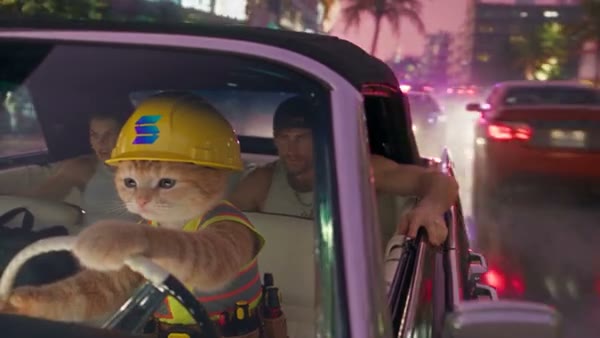
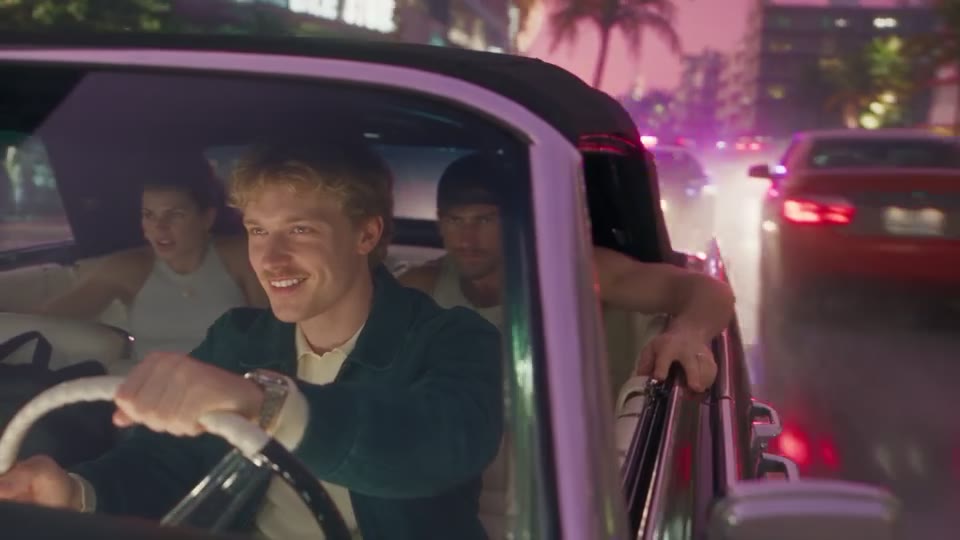
GTA 6 Convertible Chase AI uses a prepared rainy pursuit with a convertible, two passengers, police vehicles and a helicopter. Your image guides the person in the driver seat while the reference determines the road, other characters and camera movement. The result is a fictional interpretation of that existing sequence.

A convertible is followed by police in a rainy chase

Make a GTA 6 Convertible Chase AI video

Choose a driver and follow the chase from preview to finished file.

  1. STEP 1

    Set the driver

    Provide one authorized photo for the person or pet in the driver seat.

  2. STEP 2

    Select a mode

    Compare the shorter selection and the full chase with their live estimates.

  3. STEP 3

    Inspect the pursuit

    Generate, then check the driver and chase action across the full video.

GTA 6 Convertible Chase AI

Put one driver into a rainy GTA 6 Convertible Chase AI pursuit from a single photo.

Pick the subject for the wheel

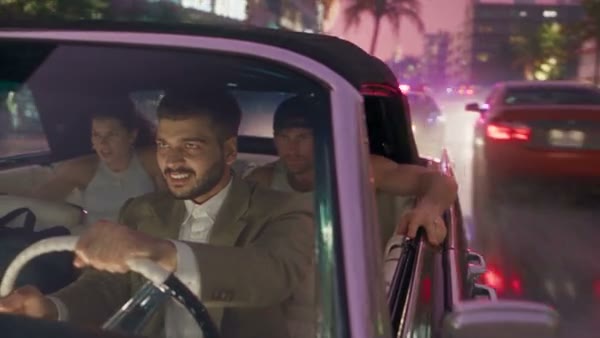
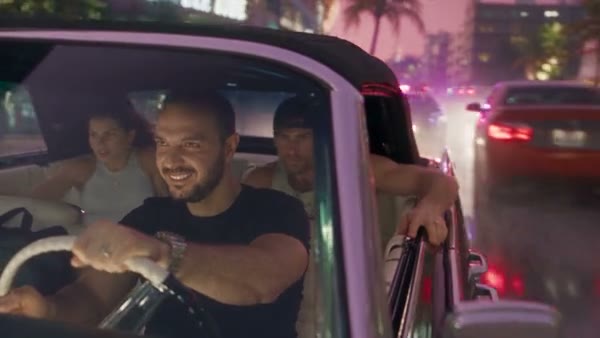
Upload one clear image to the driver slot. A recognizable face and visible details help the model interpret the subject when the viewpoint changes. You can also try a pet in this role, though the human driving motion may be interpreted differently. The passengers do not receive separate photo assignments.
Pick the subject for the wheel

Choose how much of the chase to keep

The shorter Economy and Standard selections use approximately 14.9 seconds. Original follows the full reference of roughly 16.7 seconds. Compare the opening and ending in the preview, then check the displayed duration and credit estimate. The output and small details may vary between generations.

Choose how much of the chase to keep

Check identity and continuity

In the completed chase, look at the driver during turns and compare the face and clothing across camera cuts. Rain, reflections, steering hands and the positions of the passengers can shift. The workflow attempts to restore the reference audio; listen to the exported result before sharing.

Check identity and continuity

GTA 6 Convertible Chase AI FAQ

Choose a driver and follow the chase from preview to finished file.

Who does the photo replace?

The one image is assigned to the convertible driver. Two passengers remain part of the prepared scene without individual photo fields.

Can the driver be a pet?

You can try a pet photo. The reference uses a seated human driver, so the generated posture and identity may be less predictable for a different body shape.

Can I select a different car or weather?

The vehicle, rainy environment, pursuit and camera follow the existing reference. This workspace does not offer separate controls for them.

How long is the complete chase?

Original uses approximately 16.7 seconds. The other modes use the prepared approximately 14.9-second portion, with rounded durations displayed.

Is the scene a playable game?

No. It is an independent fan-inspired AI video template; the clip cannot be controlled as gameplay.

Create GTA 6 Convertible Chase AI

Explore different visual takes before choosing your driver.

GTA 6 Convertible Chase AI